
Overview: OneCore will use QuickBooks class to map with Procore project and the other for Procore cost type.
What do we require:
- A default QuickBooks class must be selected on OneCore dashboard
- Your selected class in QuickBooks must have sub-classes available for mapping
To select a QuickBooks class, follow the following steps:
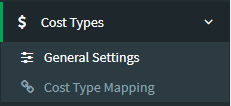
- Go to Cost Types > General Settings from the OneCore dashboard.
- Optional: Refresh all Procore Cost Types and QBO Classes
2. Select the default QuickBooks class (main) from the drop down list
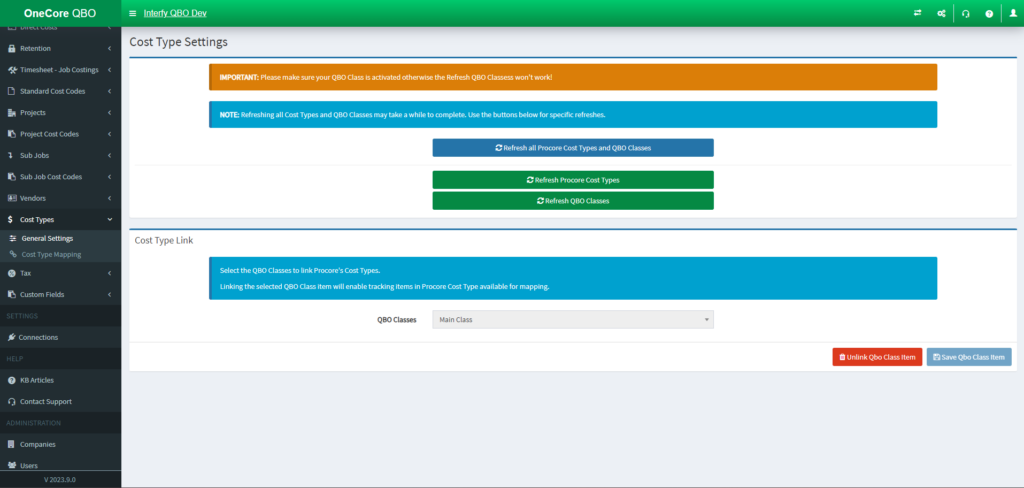
3. Click “Save Qbo Class Item”
4. Go to Cost Type Mapping page
5. Click the Pen Icon in the action’s column

6. Establish the mapping accordingly.
