Overview
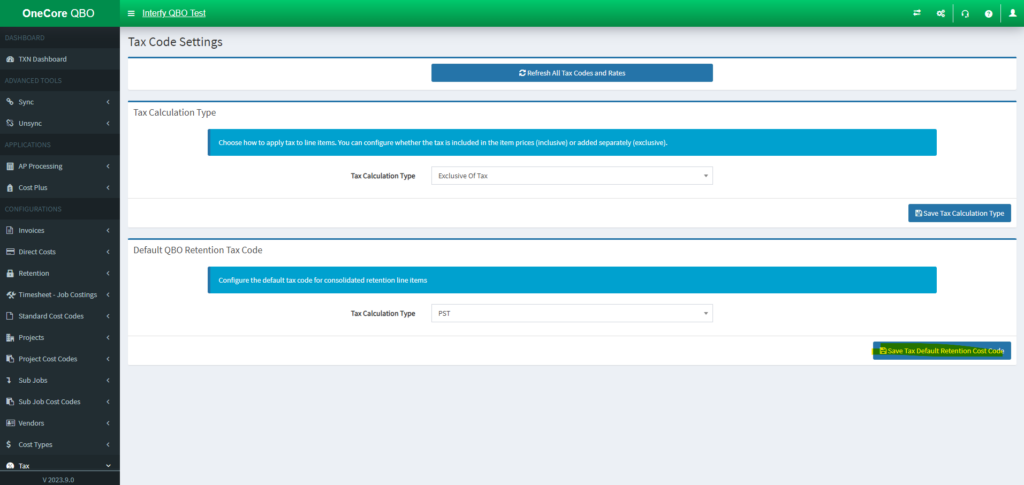
This document guides users on set the QBO Retention Tax Code in OneCore. The retention tax code will be applied when creating a commitment claim.
Preconditon
Tutorial
- Go to OneCore QBO Portal, Go to Direct Costs > General Settings

2. In Default QBO Retention Tax Code, set the tax code.
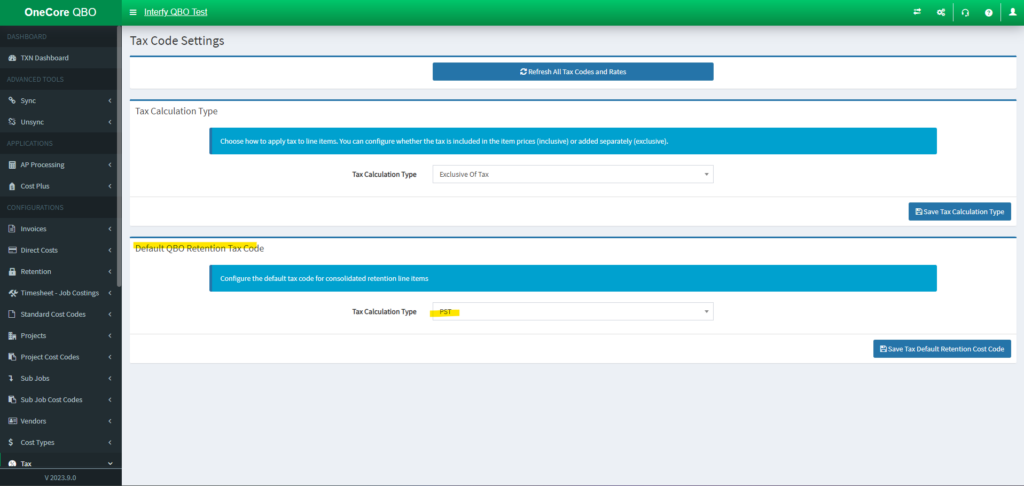
3. Click Save.