
In QuickBooks, “category” and “item details” refer to two types of line items when recording transactions:
- Category: This typically represents a general ledger account or an account category where you want to allocate the transaction amount. It’s a way to group similar transactions together for accounting purposes.
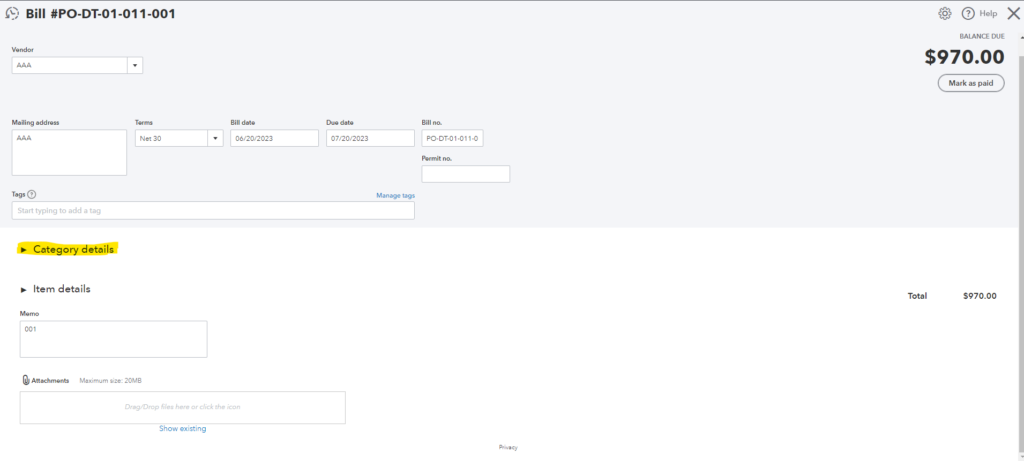
- Item Details: This refers to specific products or services that you are purchasing or selling. It allows you to provide more detailed information about the individual items involved in the transaction, such as the quantity, rate, and description.
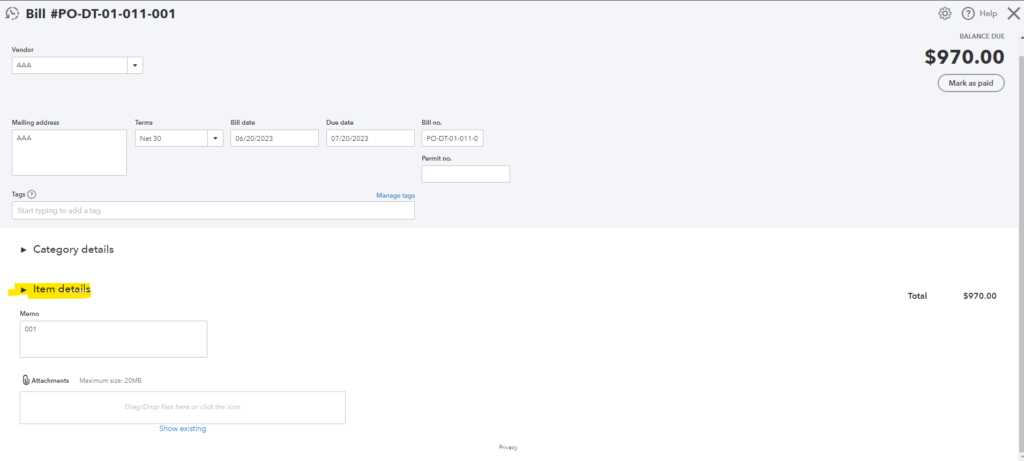
So, when you’re dealing with bills in QuickBooks, you can categorize expenses using categories and provide specific details about the items being purchased using item details.
In OneCore, users need to specify the line item to generate based on the mapping type. Furthermore, if there is a configuration mismatch for cost code mapping type, we will display an error message will be triggered, indicating “invalid line items.”
Note: The chosen mapping type, the associated cost codes will vary. For example, if you selected “Category” as a mapping type, you should ensure that the specific cost code Expense Mapping(Account) is properly mapped to avoid transaction failure. Likewise, if you selected “Product / Service” as a mapping type, you should ensure that the specific cost code in Expense Mapping(Item) is properly mapped to avoid transaction failure.
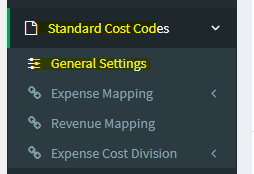
1. To establish the mapping type, kindly go to Standard Cost Codes > General Settings
2. In the Cost Code Expense Mapping Type section, select either “Category” or “Product / Service“

3. Click Save Mapping Type.
Finally, if you encountered transaction failure in regards to this error code, kindly refresh the transaction once you have configured the mapping type above.