
Overview
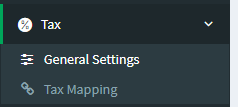
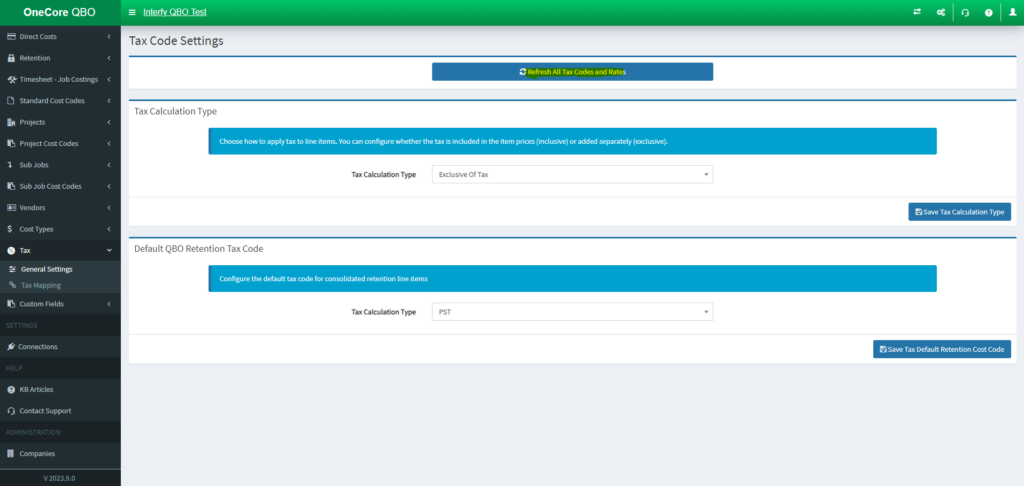
1. To map to an existing Tax Code from OneCore, go to Tax > General Settings:
2. Click on Refresh Projects for both Tax Code from Procore and QBO
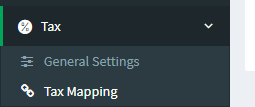
3. Go to Tax > Tax Mapping.
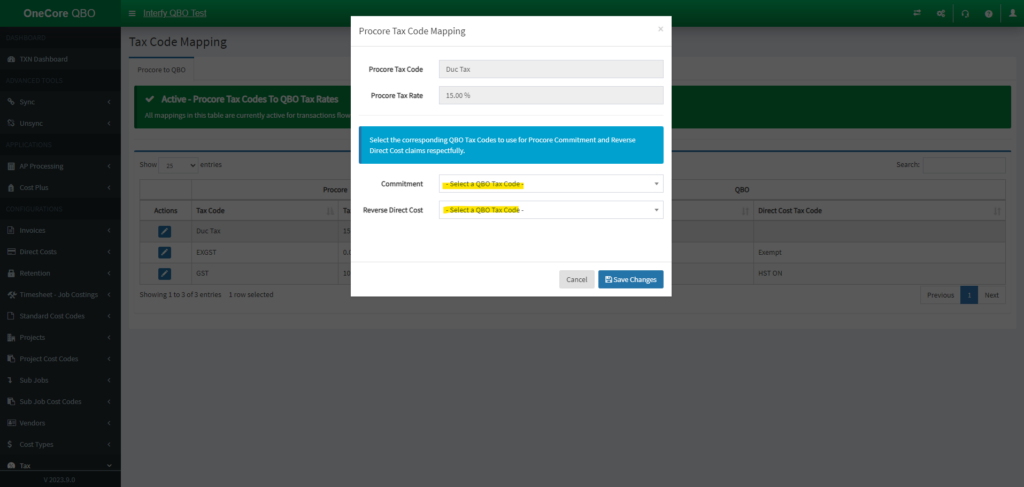
4. Click on the pencil icon next to the Tax Code you want to map.
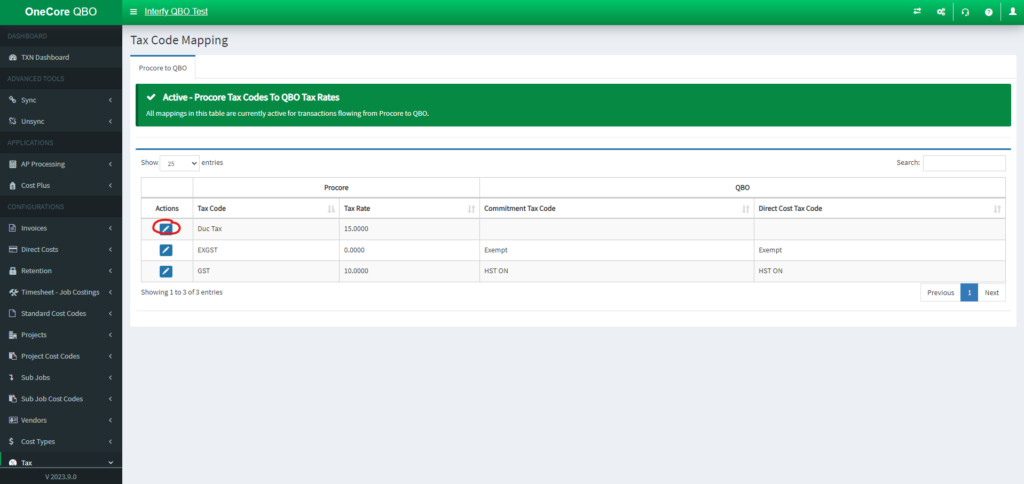
5. Set the QBO Tax Code for Commitment Claim and Reverse Direct Cost. Click on Save Changes
NOTE
If there’s no mapping found for tax code, we will default the tax calculation type to “Out of Scope“