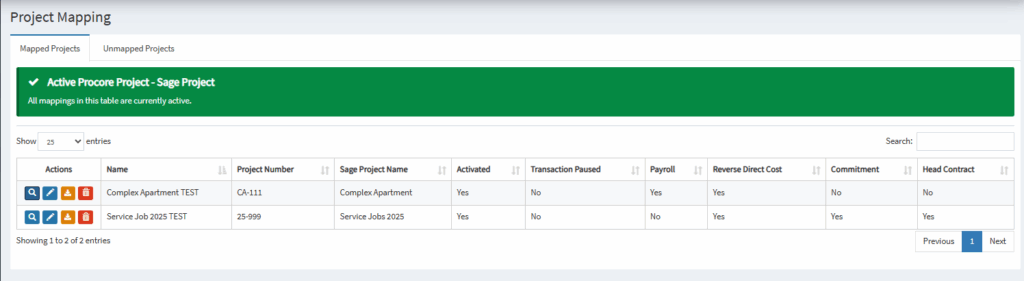
OneCore now has a new feature that makes it easy for users to map projects automatically when they create them. Here’s how to do it
Setup the Project Mapping
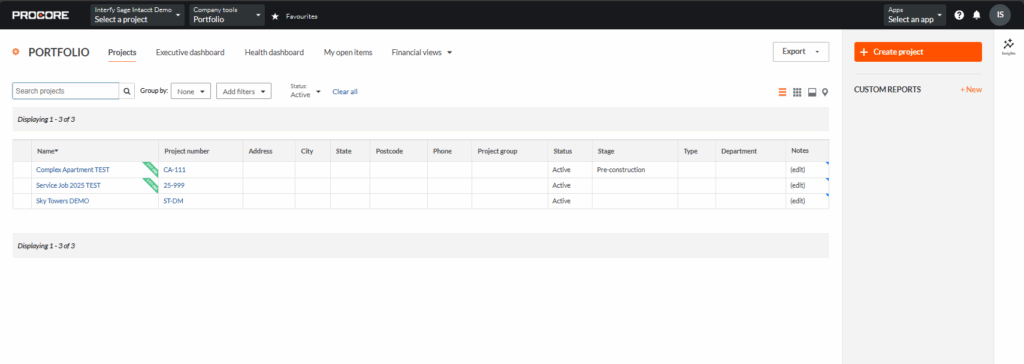
1. Navigate back to the Procore company level and Click Create a Project.
2. Filling up the necessary details about the project.
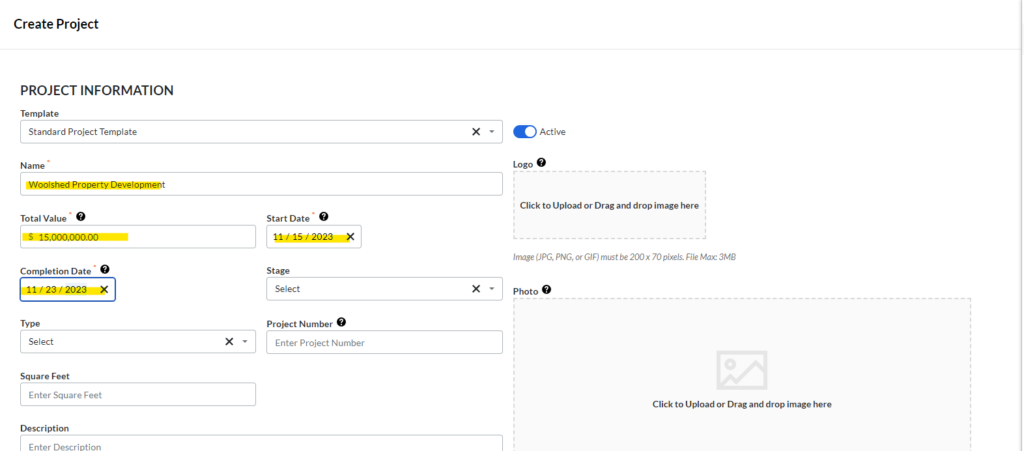
3. Click Create Project

4. You shall receive a New Project Created notification.
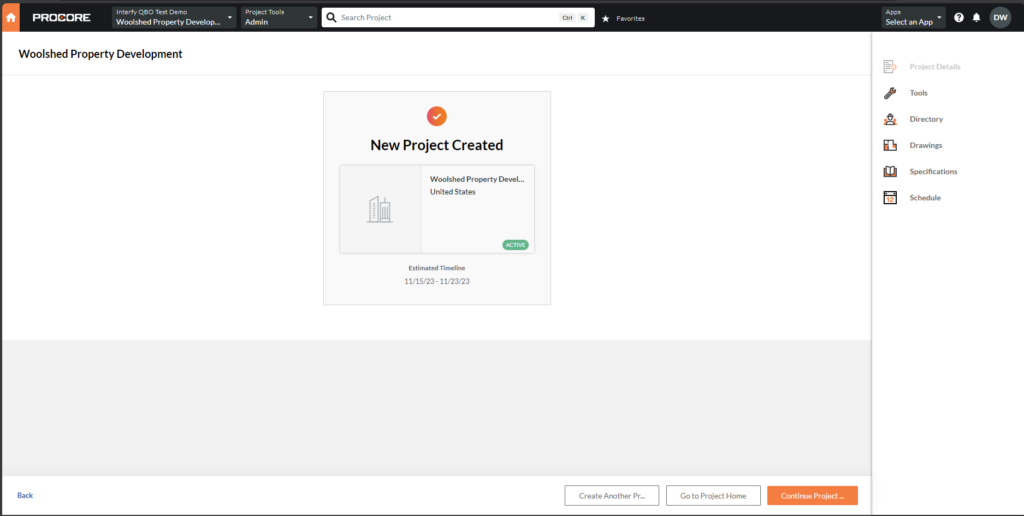
5. Navigate to OneCore > Txn Dashboard

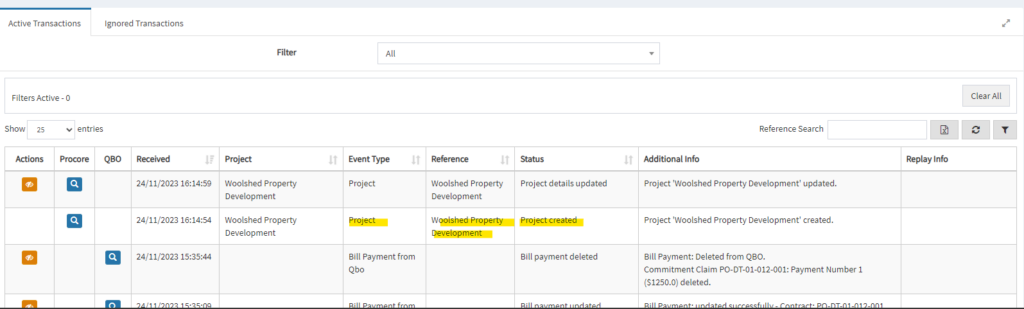
10. In the Dashboard table, you should see the Project-created transaction being processed.
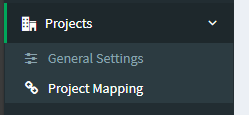
11. Go to Projects > Project Mapping
12. In Project Mapping, you can see the record in the table, with all the statuses being configured by OneCore.