
If a Procore head contract contains a marked up line item i.e builder’s margin, it needs to have default revenue account setup for the project, otherwise when a head contract claim is put through to Xero it will fail as the integration can’t recognize it.
- Login to OneCore.
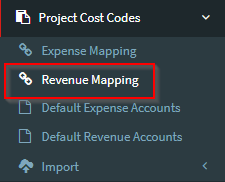
- Go to Project Cost Codes>Revenue Mapping
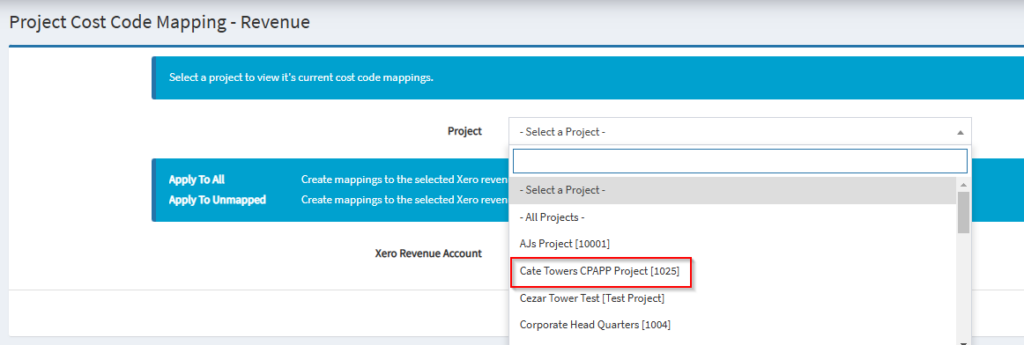
3. Select the project from the drop-down menu.
4. Select the revenue account.
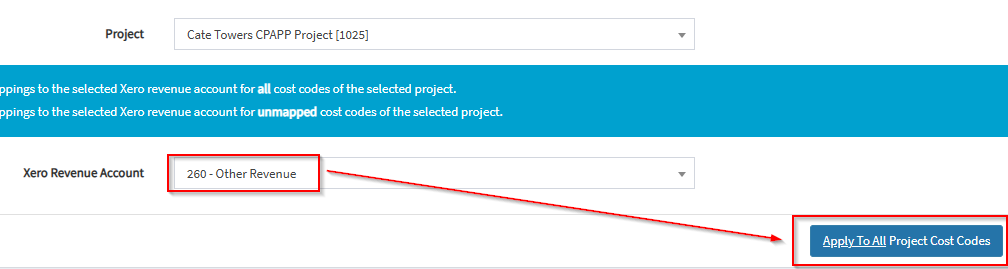
5. Click on Apply to All Project Cost Codes.
6. Repeat steps for other projects, as required.