Overview
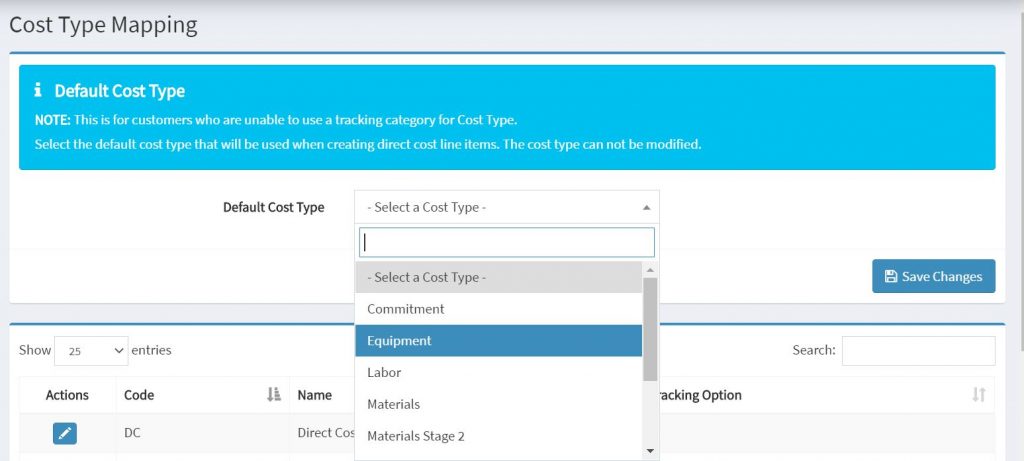
If you are unable to provide a tracking category to be used for cost type, onecore allows you to specify a default cost type. That will be used when creating a direct cost line items.
Steps
- Contact Interfy Support (Support@interfy.com.au) to activate the default cost type.
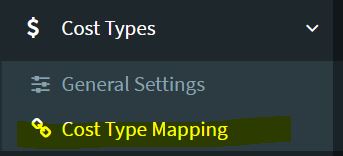
- Navigate to Cost types from the left menu on the dashboard.
- Select the cost type mapping.
4. Select the Default Cost type from the drop down and click save changes.