
Overview
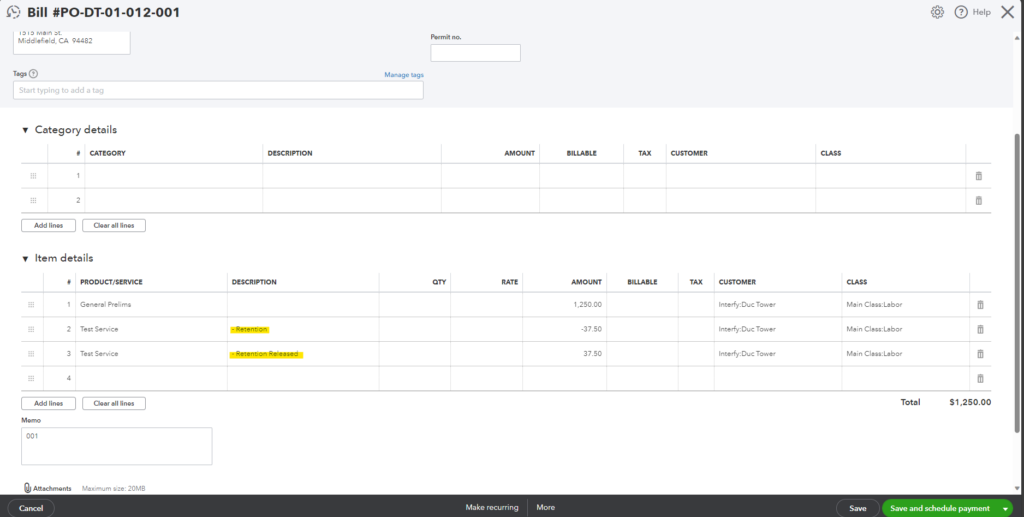
Enabling this option will consolidate all retention into 2 line items: 1 for retention withheld and 1 for retention released.
Precondition
- User must set Retention Type in OneCore to Line Item Retention Type through this tutorial
Example
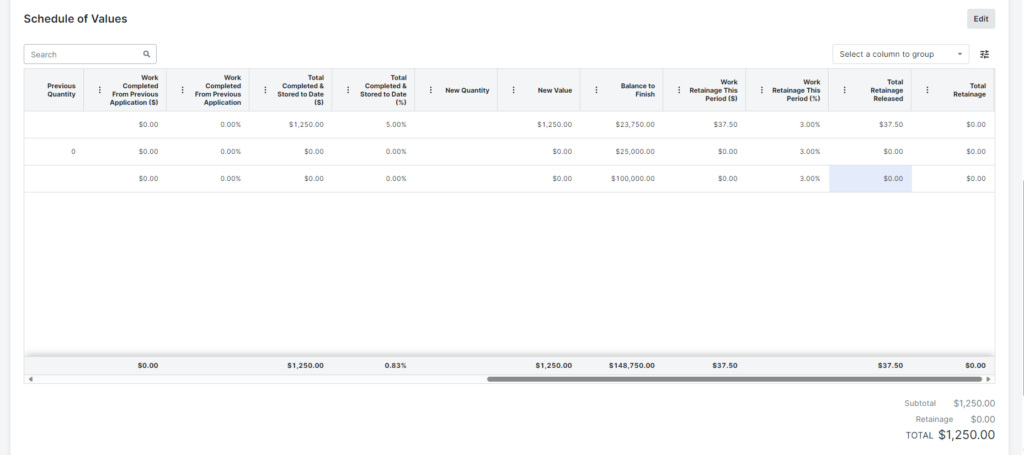
This is an example of consolidation retention into 2 line items in QuickBooks Bill.
My SOV in Procore Commitment Claim.
Tutorial
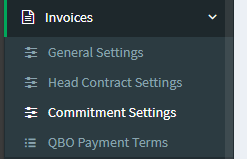
1. In OneCore, Go to Invoices > Commitment Settings.
2. Check “Consolidate Retention Line Items” to activate it.
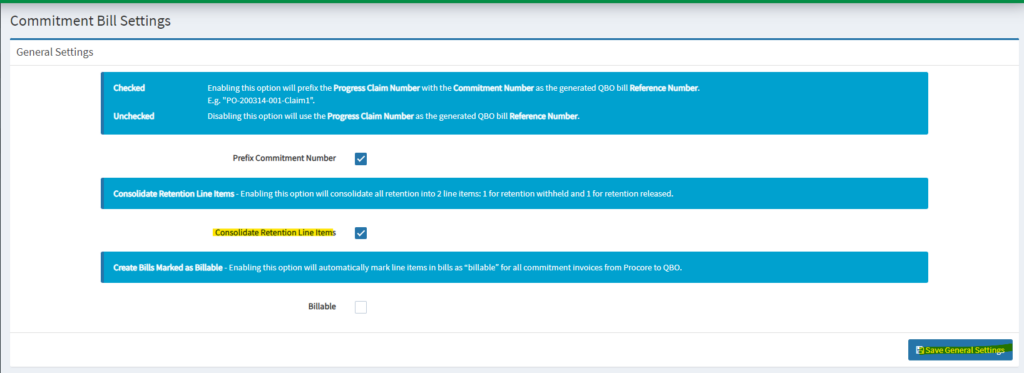
3. Click Save General Settings.