
Overview
This document guides users on selecting the correct value for Procore’s Direct Cost Received Date Field. The field captures the date associated with direct costs in Procore, and users have two options:
1. Direct Cost Date – QBO Bill Date
- Definition: The date of the original QuickBooks Online (QBO) bill.
- Use Case: Reflects the timing of the incurred cost when the direct cost was initially recorded.
2. Direct Cost Processed Date – QBO Bill Processing Date
- Definition: The date the QBO bill was last processed by OneCore for creation or updates.
- Use Case: Relevant when subsequent changes or updates to the original QBO bill are crucial.
3. Choosing Received Date Type
Users can select between the two options based on their specific needs:
- Direct Cost Date: Emphasizes the timing of the original financial transaction.
- Direct Cost Processed Date: Highlights the latest processing date, crucial for tracking modifications.
To Setup
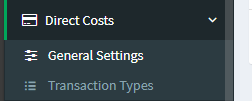
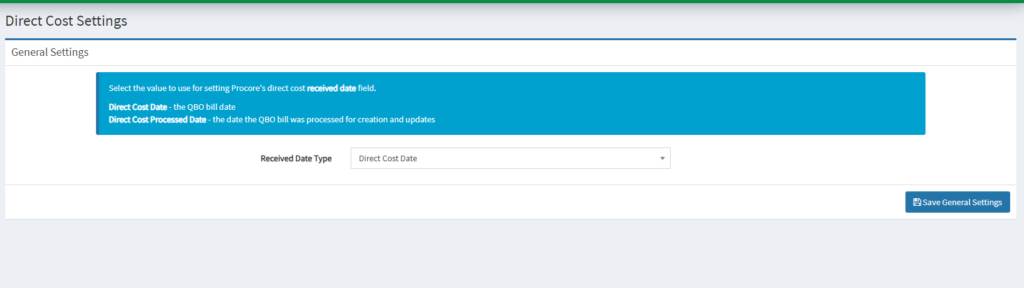
- Go to OneCore QBO Portal, Go to Direct Costs > General Settings
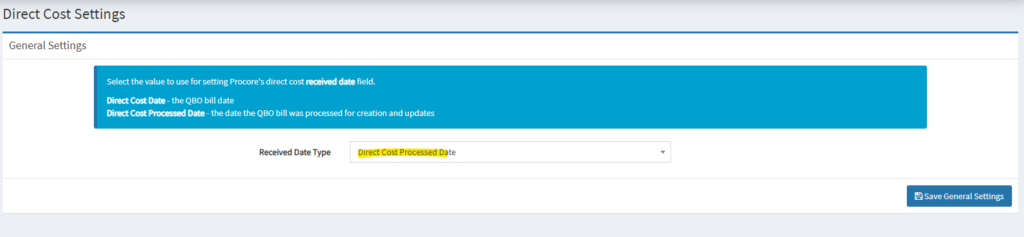
2. In Direct Cost Settings, configure your received date time in Direct Cost Processed Date.
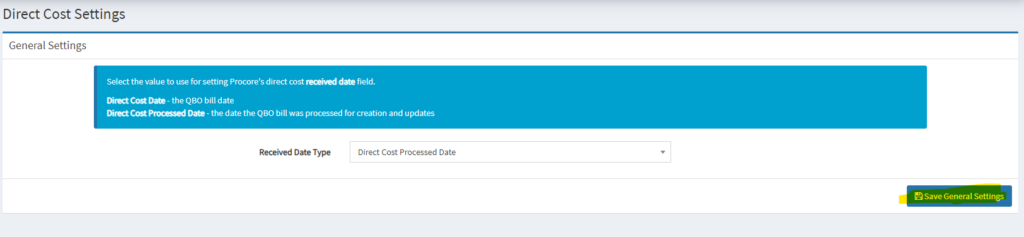
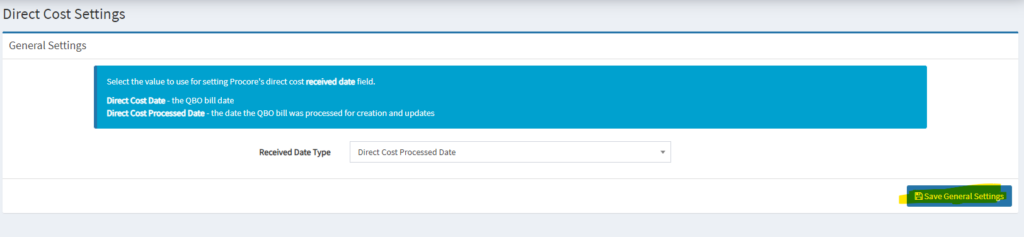
3. Click Save General Settings.
Demo
1. Received Date Type – Direct Cost Processed Date
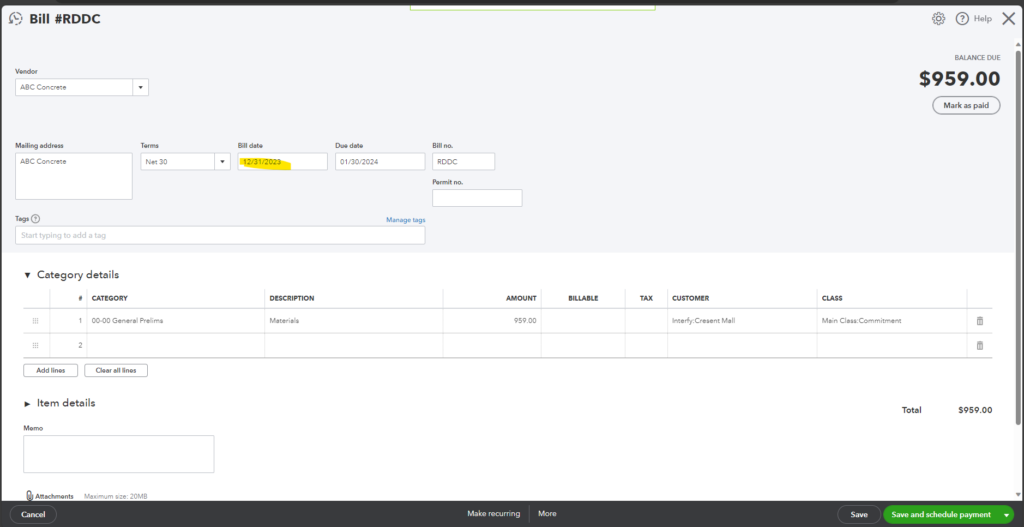
- Create one QuickBooks Bill, ensure everything is correctly mapped. Notice that the Bill date is 12/31/2023.
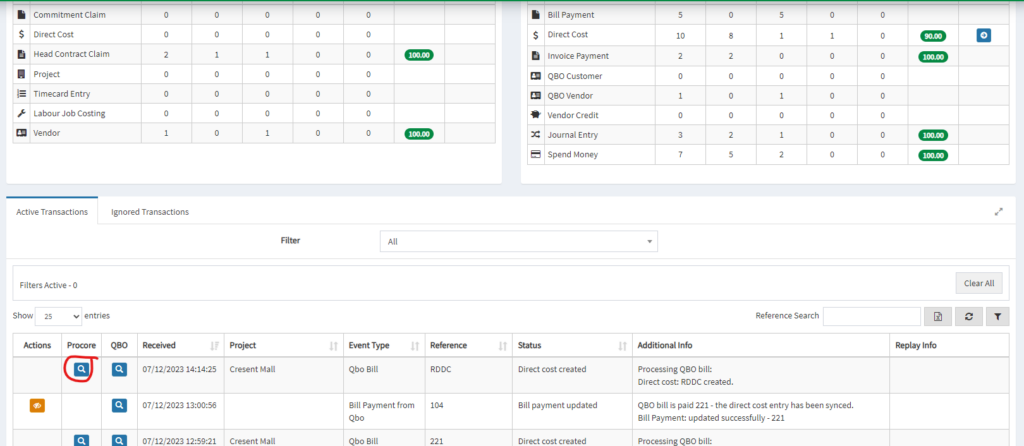
2. Go to OneCore Transaction Dashboard, look for the Procore generated link.
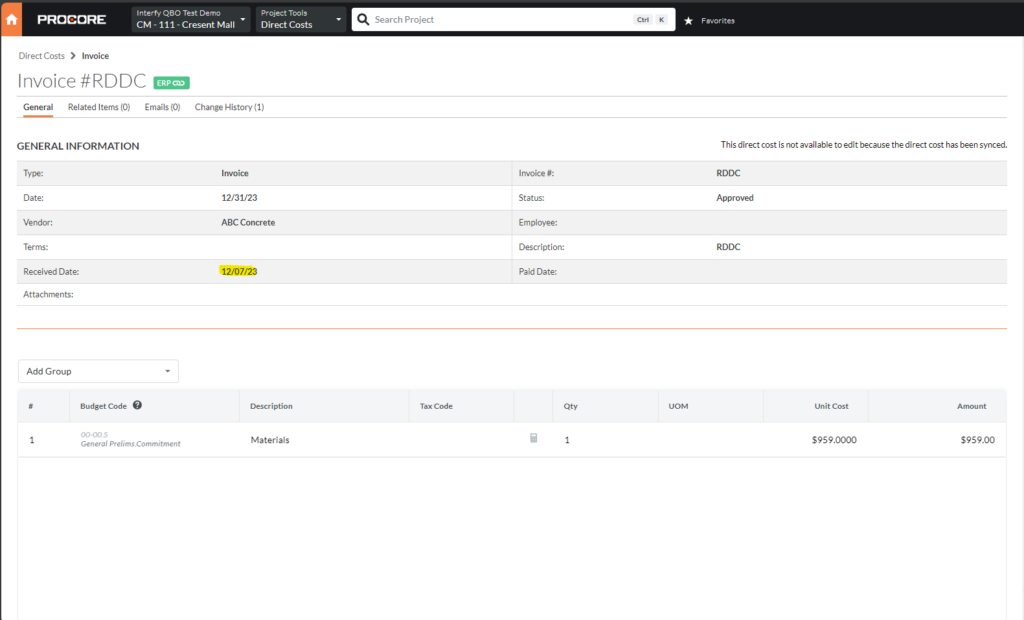
3. In Direct Cost, notice that the direct cost’s received date is 12/07/2023 (The date it’s processed by the OneCore system.) because we configured the Received Data Type is Direct Cost Processed Date.
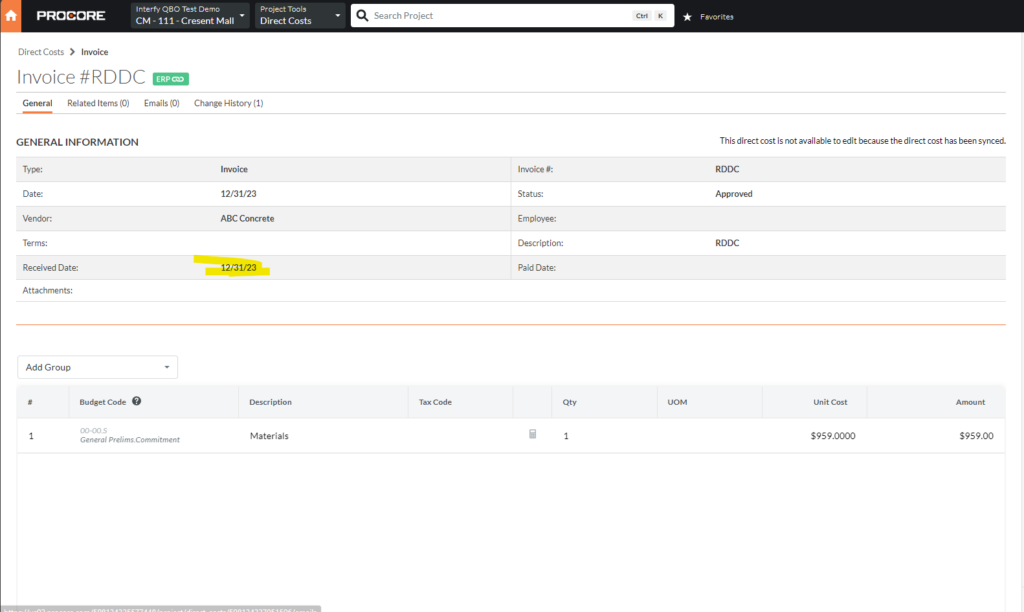
2. Received Date Type – Direct Cost Date
- Create one QuickBooks Bill, ensure everything is correctly mapped. Notice that the Bill date is 12/31/2023.
2. Go to OneCore Transaction Dashboard, look for the Procore generated link.
3. In Direct Cost, notice that the direct cost’s received date is 12/31/2023 (The date it’s processed by the OneCore system.) because we configured the Received Data Type is Direct Cost Date.
Conclusion
Select the appropriate Received Date Type based on your workflow and reporting requirements in OneCore.