Overview
Ideally, we would like to keep the standard cost code across different projects and sub-jobs to make sure consistent accounts are being tracked in the accounting system. In this tutorial, we will be guiding you through how to import the standard cost code from the company level to the sub-job level.
Steps
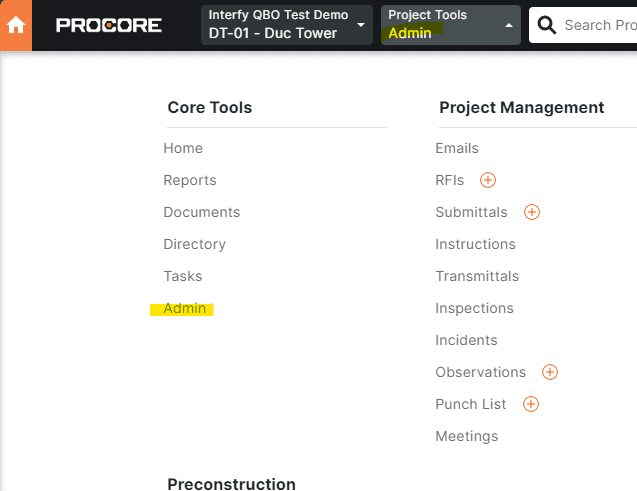
- In Procore, make sure you are in a project, go to Admin
2. Go to Work Breakdown Structure under Project Settings

3. Go to Sub Job under Budget Code Segments
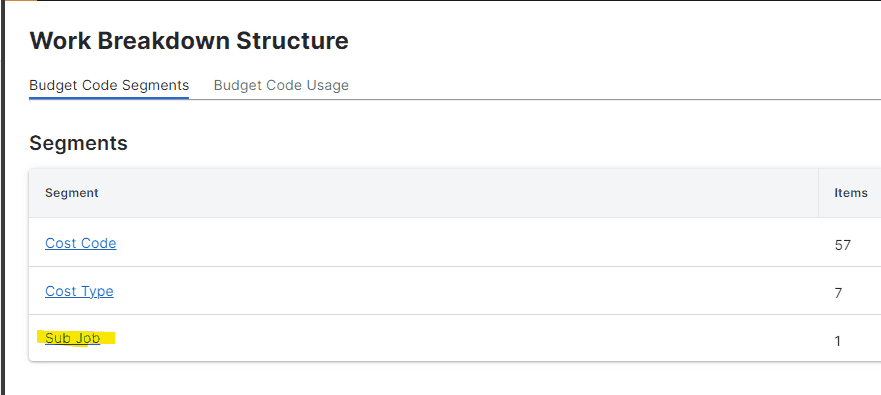
4. Create one Sub Job if you do not have one. For demonstration purposes, I have created the Ground Floor sub job and assigned the code 02.

5. Hover to the “Ground Floor” row, click the Pencil Icon

6. On the top left, click + Cost Codes from Company
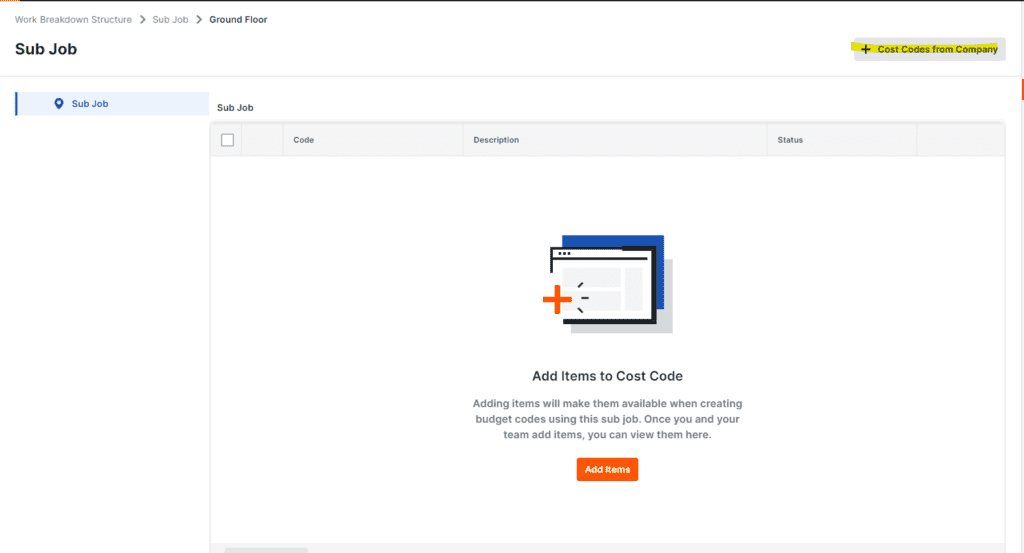
7. To import all cost codes, click “Select All Cost Codes”
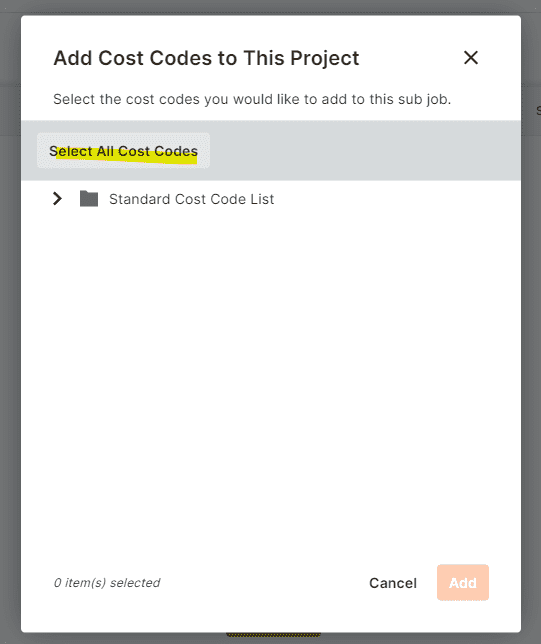
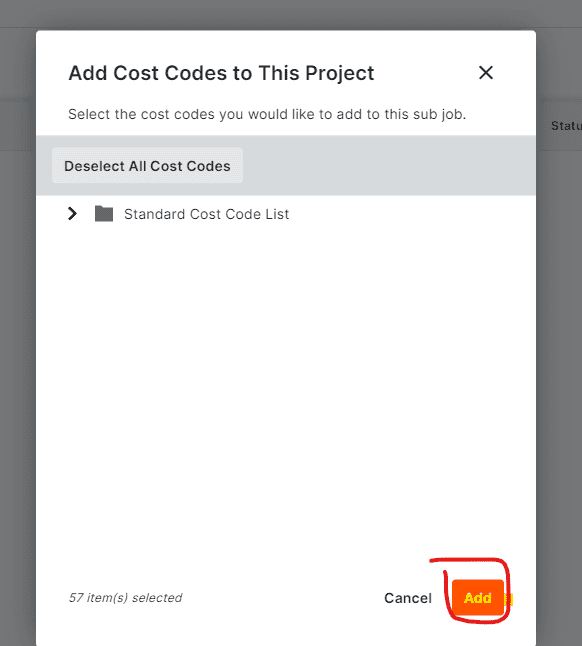
8. Finally, click Add.
9. To update the state in OneCore, kindly redirect to Sub Jobs > General Settings in OneCoreQBO Portal
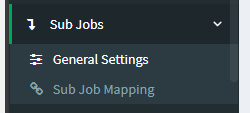
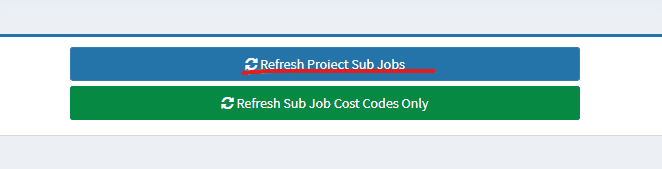
10. Click Refresh Project Sub Jobs