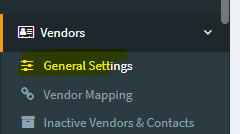
1. From OneCore, go to Vendors > General Settings.
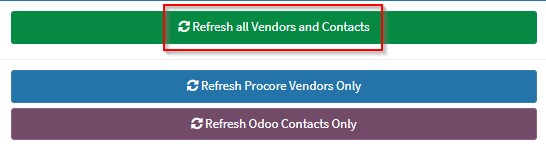
2. Select Refresh All Vendors and Contacts to ensure you have an up-to-date list of vendors and contacts.
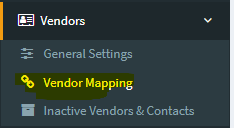
3. To map Procore Vendors, go to Vendors > Vendor Mapping.
4. You will see three tabs – Mapped Vendors, Unmapped Procore Vendors and Unmapped Odoo Contacts.
Select Unmapped Procore Vendors. This will show you a list of unmapped Procore vendors.
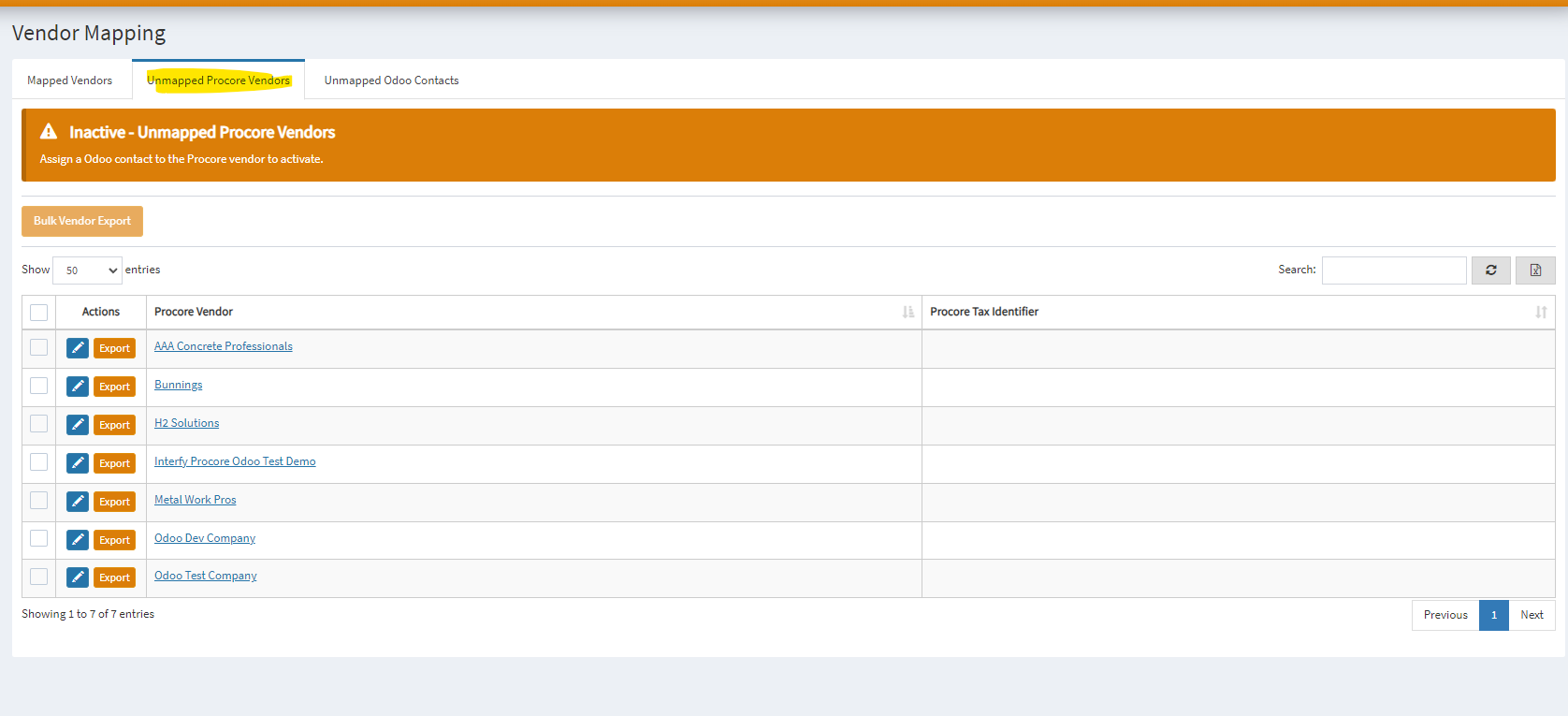
5. To manually map, click on the pencil icon next to the vendor.

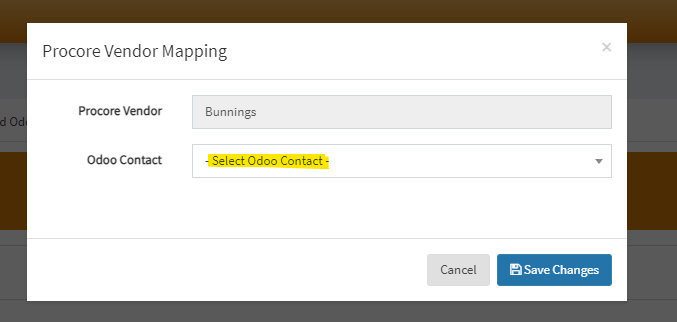
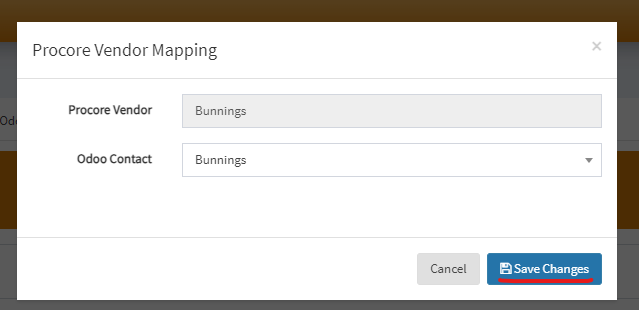
6. Select the corresponding Odoo Customer to map. Click Save Changes once done.
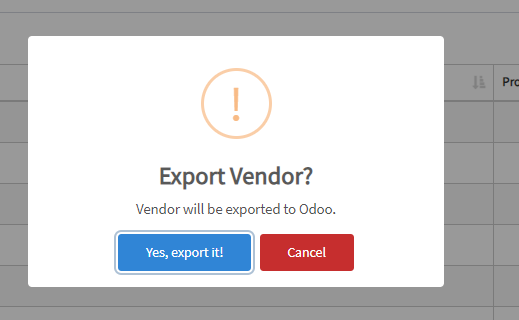
7. If there is not an equivalent mapping but the vendor or contact is required to be in Procore or Odoo, you can click the Export button to create an automatic mapping.
8. Navigate back to the “Mapped Vendor” tab, use the search feature to check your mapped vendor.
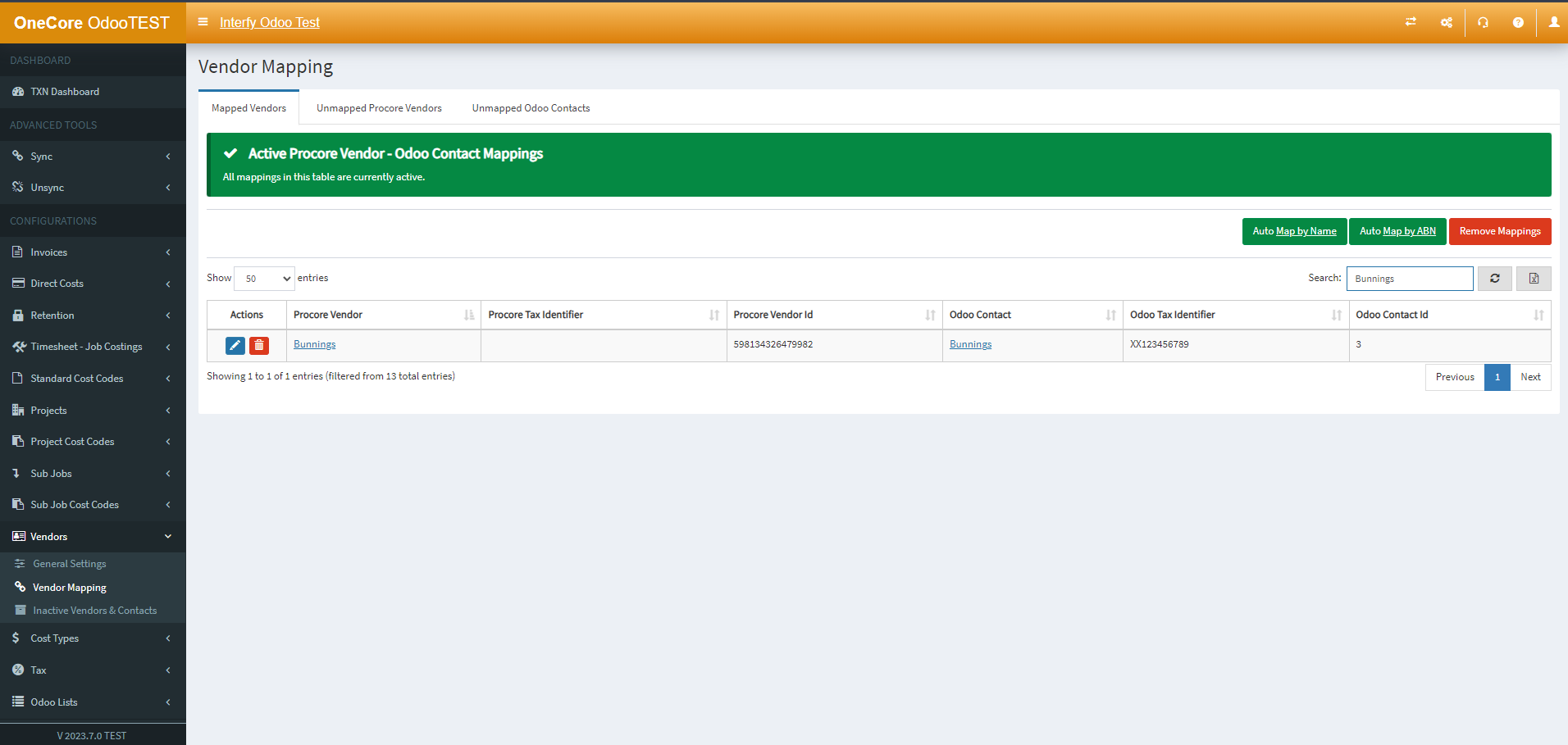
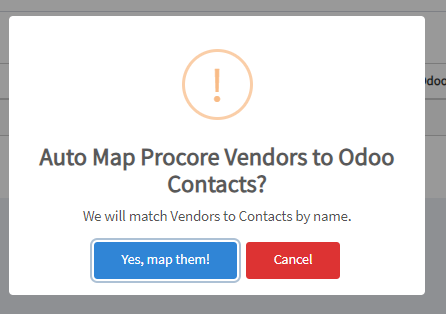
NOTE: To auto-map contacts and vendors, go to the Mapped Vendors tab and click on Auto Map Vendors by Name. This will only work if the corresponding Procore vendor or Odoo Vendor has been created. Select Yes, map them! to map the vendors.