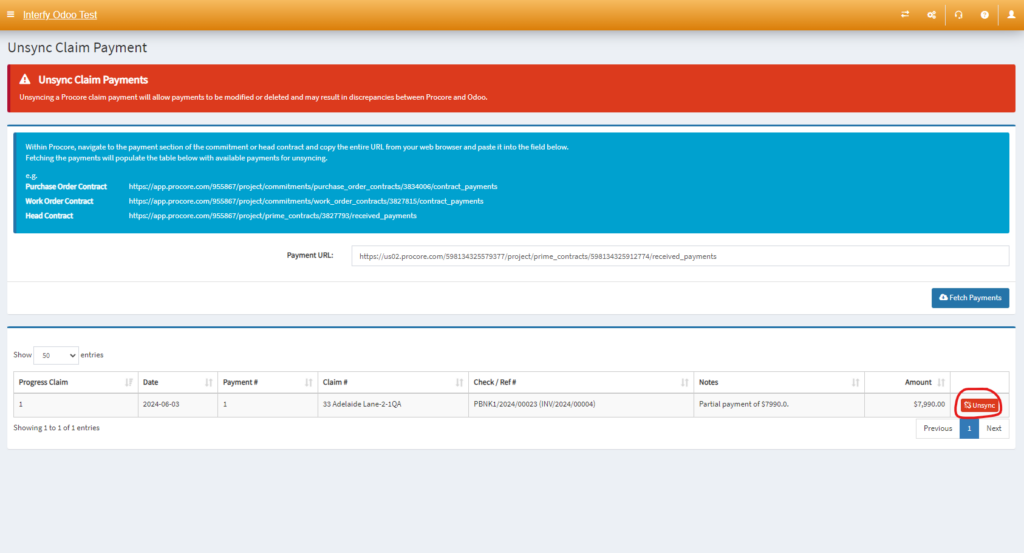
In this demonstration, I would show an example on how to unsync payment in Procore Head Contract Claim.
Steps
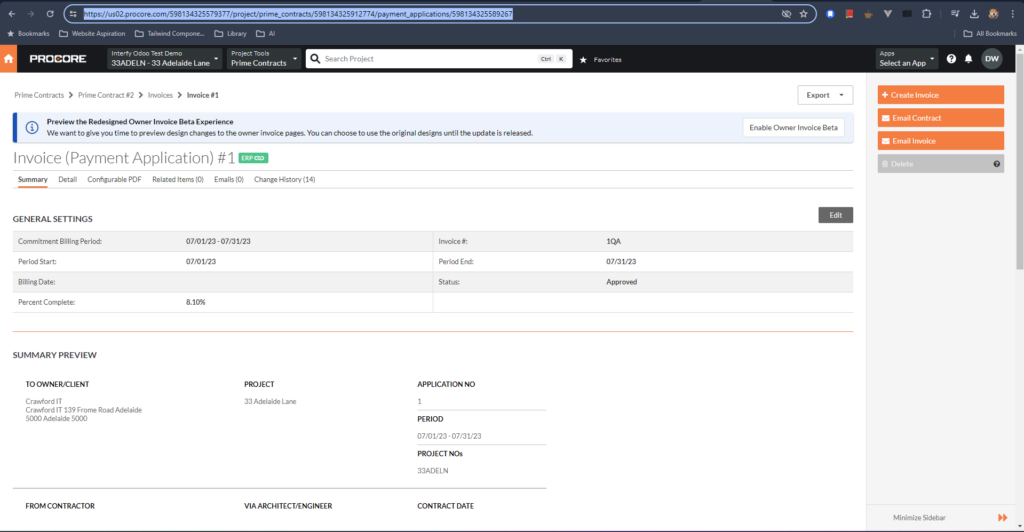
1. Navigate to the payment in Procore you would like to unsync, copy the link
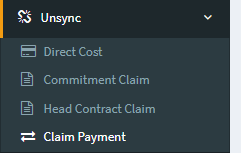
2. Navigate to OneCore > Unsync > Claim Payment
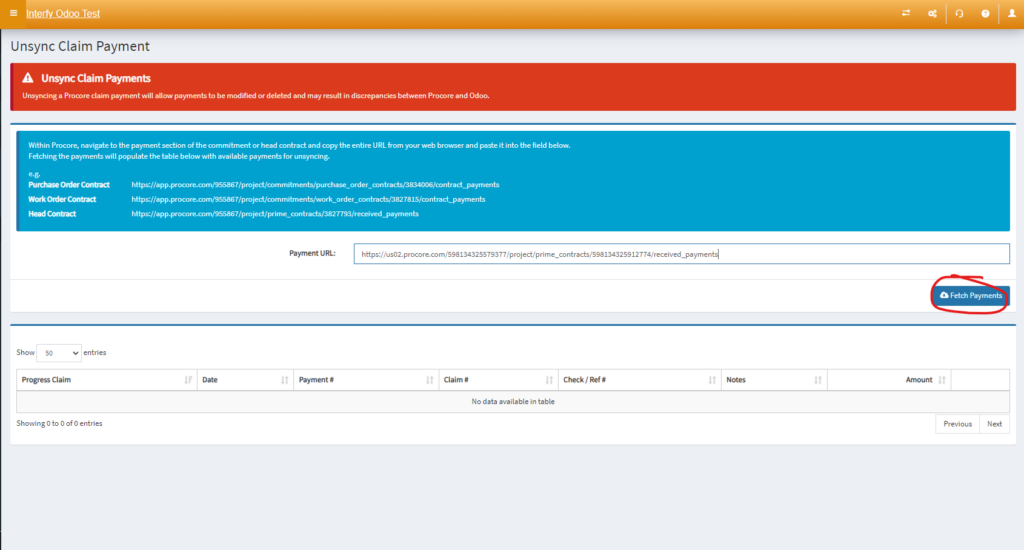
3. Paste the link into the Payment URL text box and format the link such that it matches in the description box.
For example this is my link that I have copied
https://us02.procore.com/598134325579377/project/prime_contracts/598134325912774/payment_applications/598134325589267

Change 'payment_appllications/598134325589267' to 'received_payments'

https://us02.procore.com/598134325579377/project/prime_contracts/598134325912774/received_payments
4. Click the ‘Unsync‘ button based on the payment accordingly.