When a commitment or head contract claim is approved, the integration will automatically create an invoice in Odoo. However, when you want it to skip the creation process, you’ll need to temporarily un-map the project from OneCore:
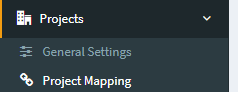
1. Go to Projects > Project Mapping.
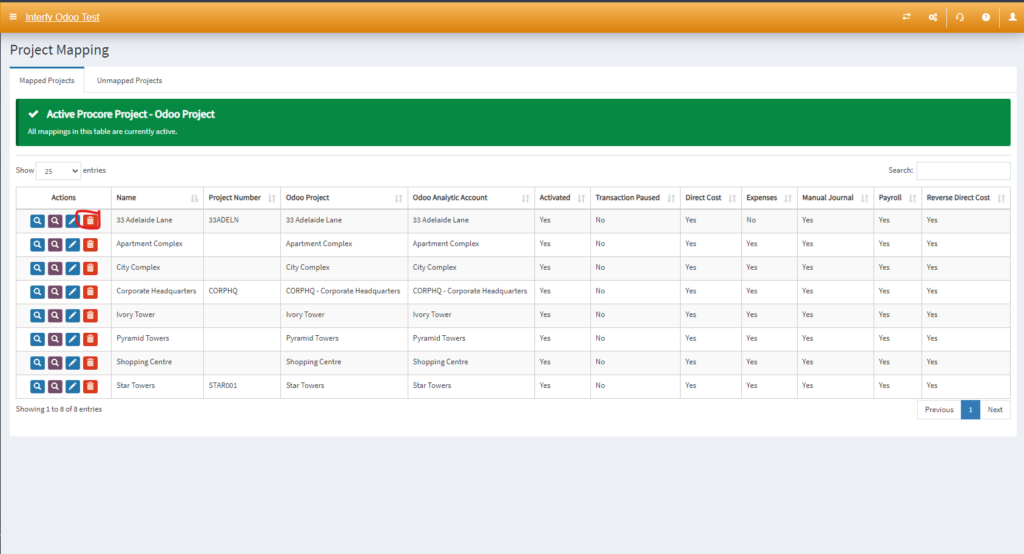
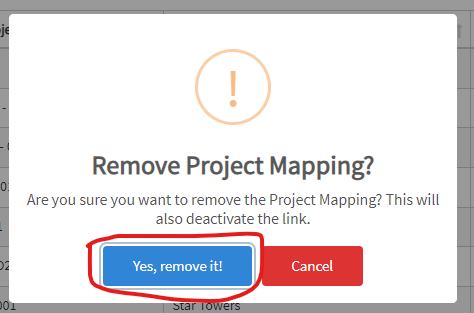
2. Find the project and click on the trash icon to delete the mapping.
3. Create and approve the commitment or head contract claim in Procore.
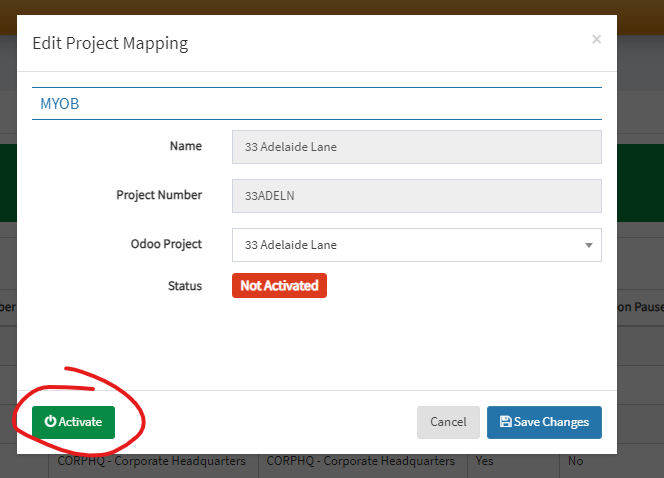
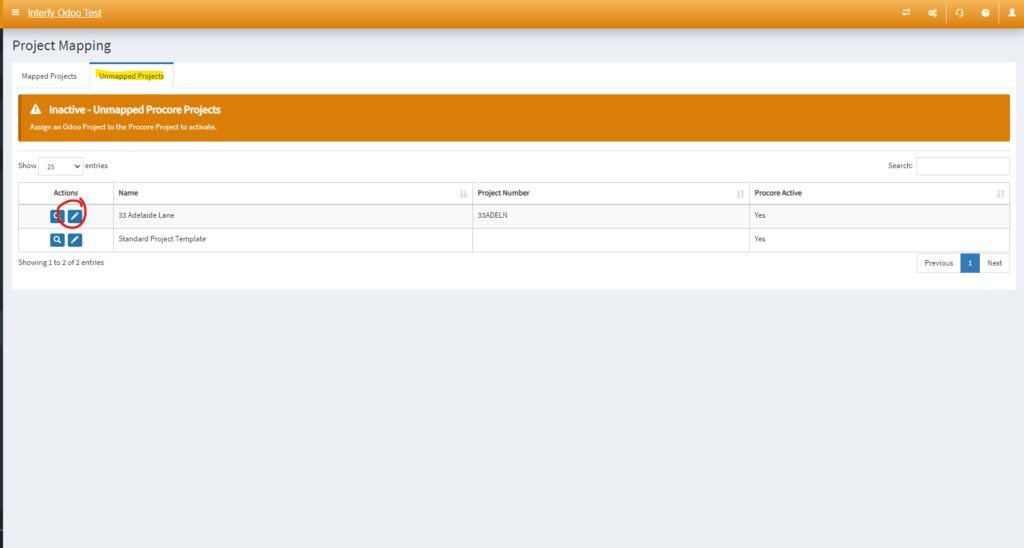
4. Go back to Project Mapping in OneCore and re-map the project by clicking on the pencil icon, and mapping it to the corresponding Odoo project.
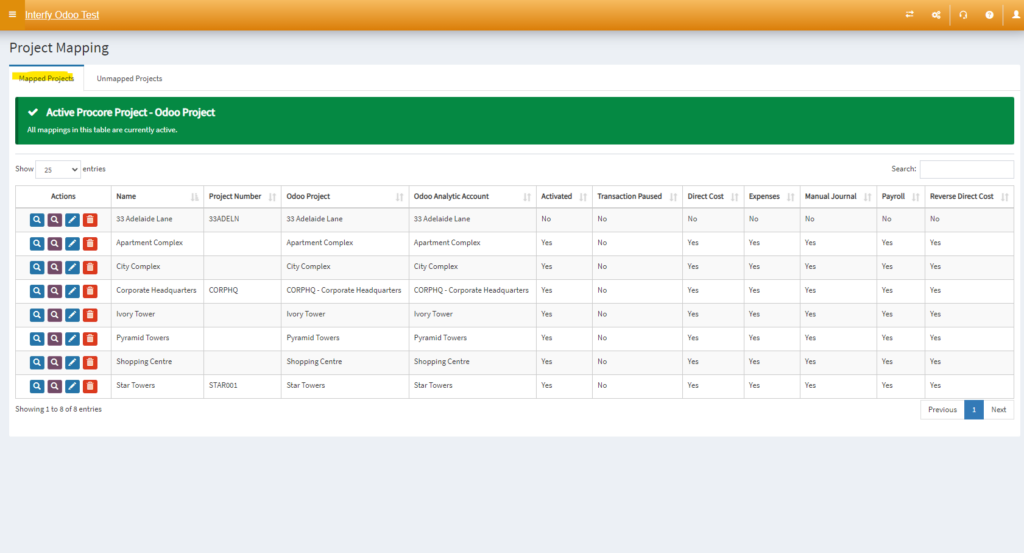
5. Navigate back to Mapped Project
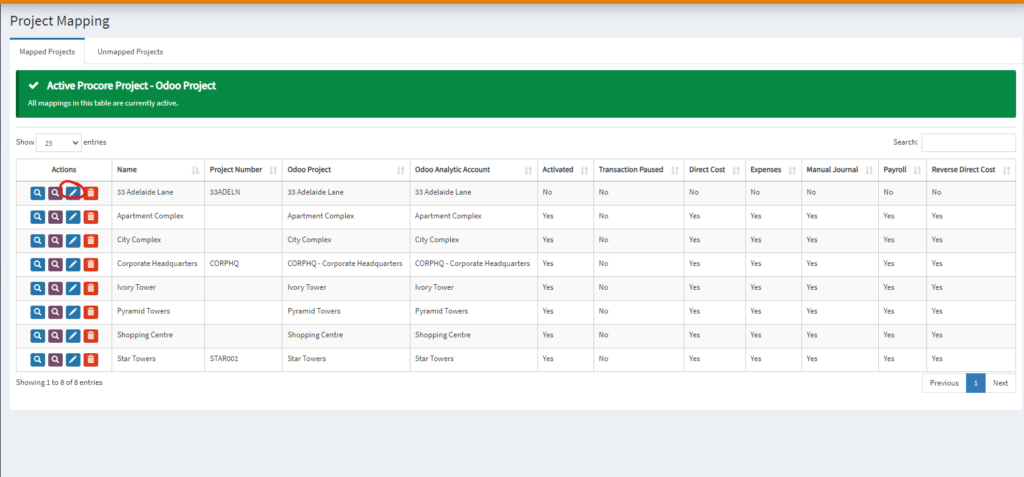
6. Click the pencil icon to activate
7. Click ‘Activate’