
To un-sync your claims in Procore (applicable to Commitment Claim and Head Contract Claim), you must ensure that there’s:
- No payment applied to the claim
If you have existing payment and would like to unsync them first, please read the tutorial here.
In this demonstration, I would show an example on how to unsync claim in Procore Head Contract Claim.
Step:
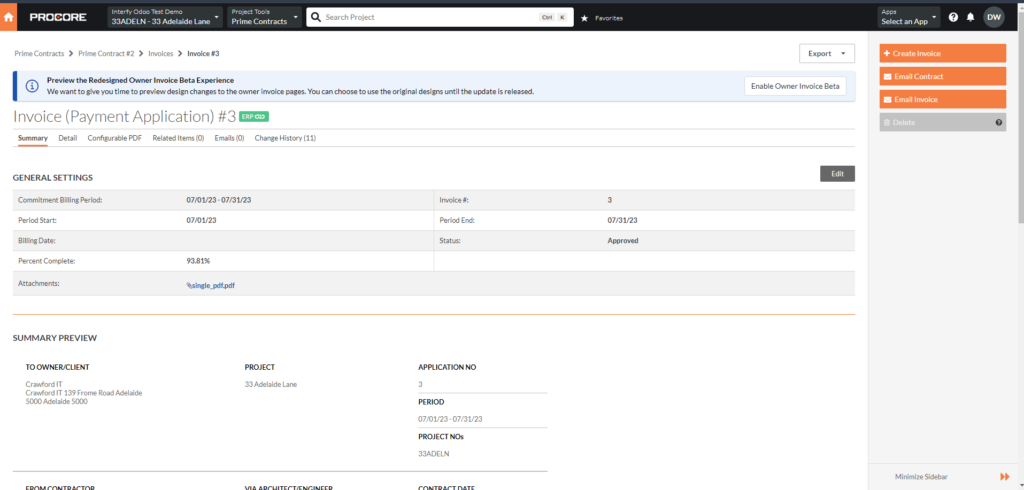
1. Navigate to the contract claim you would like to un-sync, copy the link
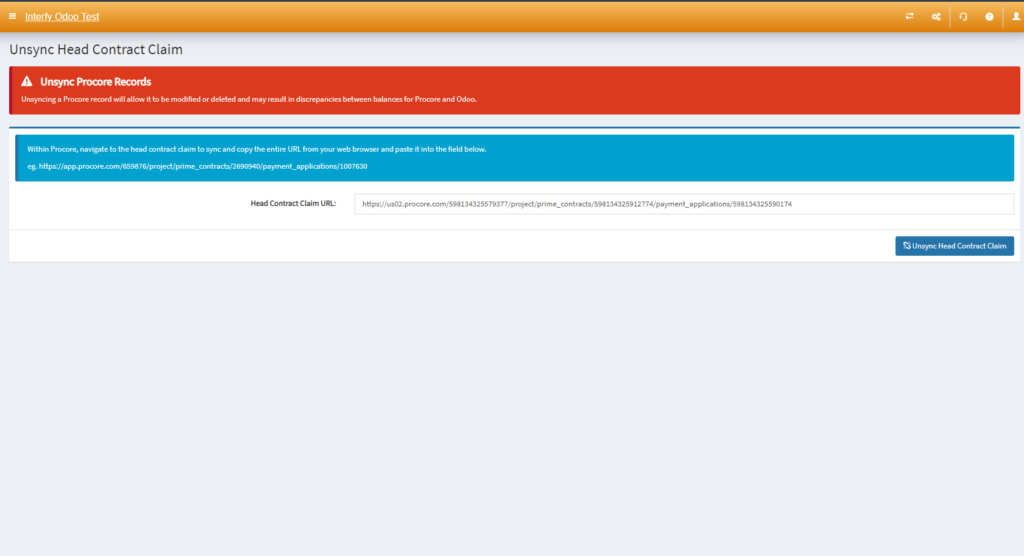
2. Head to the OneCore > Unsync > Head Contract Claim

3. Paste the link into the Head Contract Claim URL like this
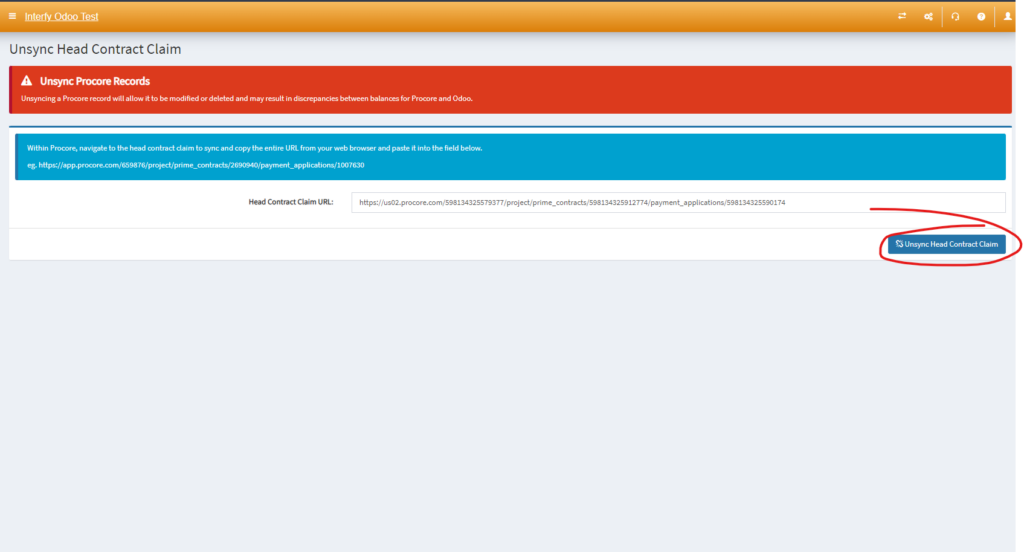
4. Click ‘Unsync Head Contract Claim‘
You’re set!