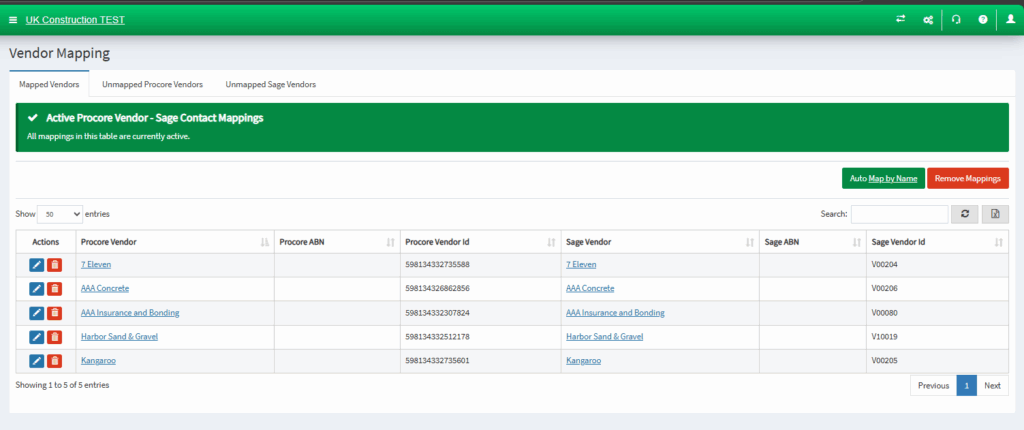
As part of the demonstration, we will be exporting Sage Vendor to as an example. These following steps apply on Sage Customer.
- Login to OneCore.
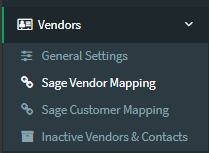
- Go to Vendors > Sage Vendor Mapping.
3. Select the Unmapped Sage Vendors tab.
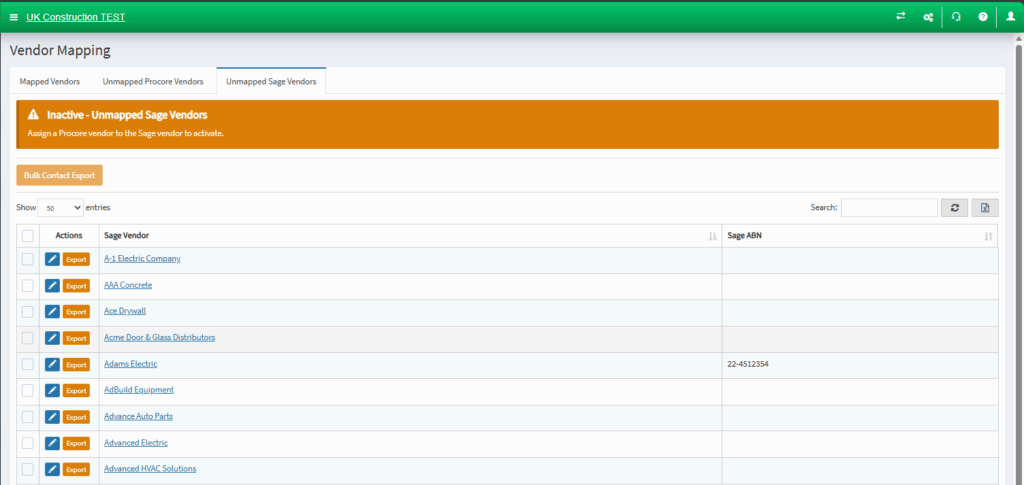
4. Click on the export button next to the Sage Vendor.

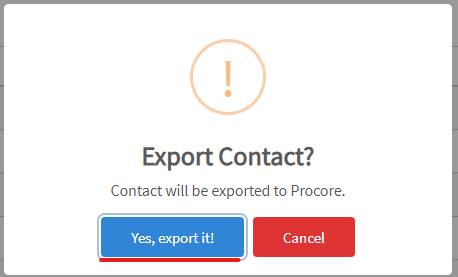
5. Click yes to export it to Procore.
6. The unmapped Sage Vendor will now appear under the mapped vendors tab, as well as in Procore. You can also do the same for unmapped Procore vendors from the Unmapped Procore Vendors tab.