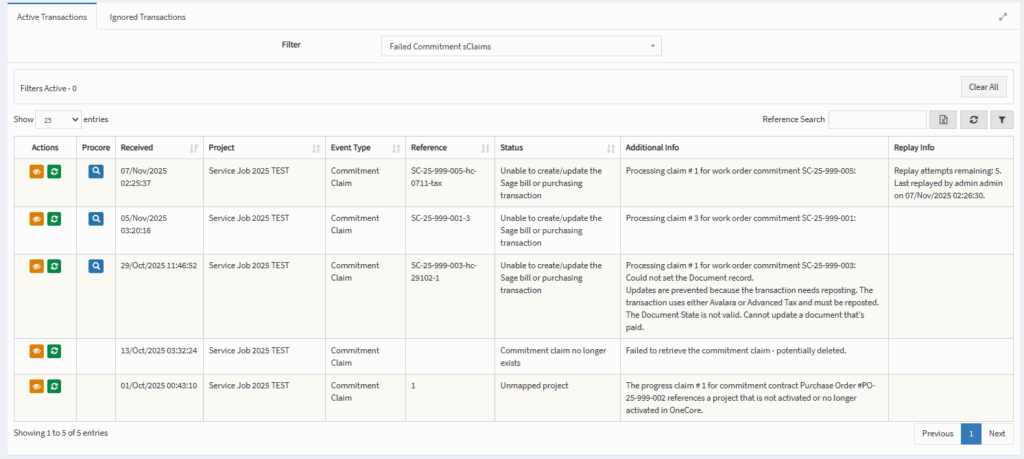
You can view failed transactions from the OneCore Sage Dashboard.
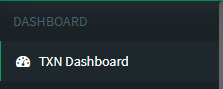
- From OneCore select Transaction Dashboard from the left panel.
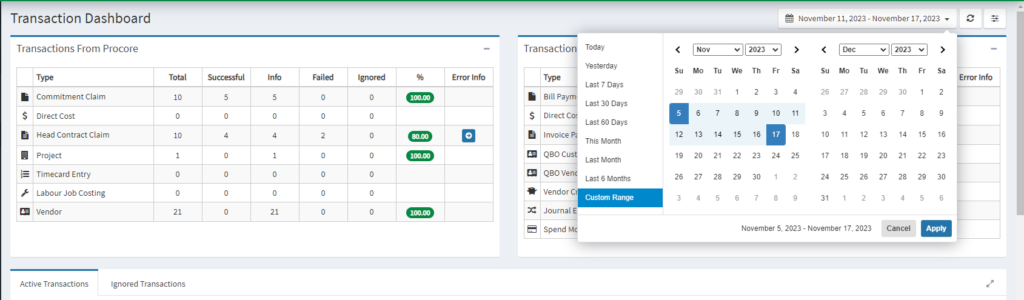
2. Select the date range to filter by. Click on Apply i.e. last month.
3. Scroll down to failed transactions. Click on the icon to view each type of failed transaction, or from the filter select the type.
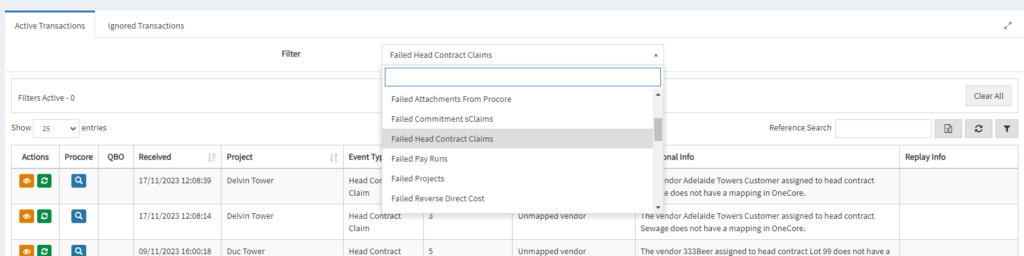
4. Look at the additional info column for more information.