
When managing your Procore commitment claims and associated Sage bills or purchasing transactions, it’s crucial to understand the impact of actions such as approval and deletion on both platforms. This guide will walk you through the process and ensure a clear understanding of the steps involved.
In this demonstration, we will show you how you can delete your invoice that is linked to the Commitment Claim.
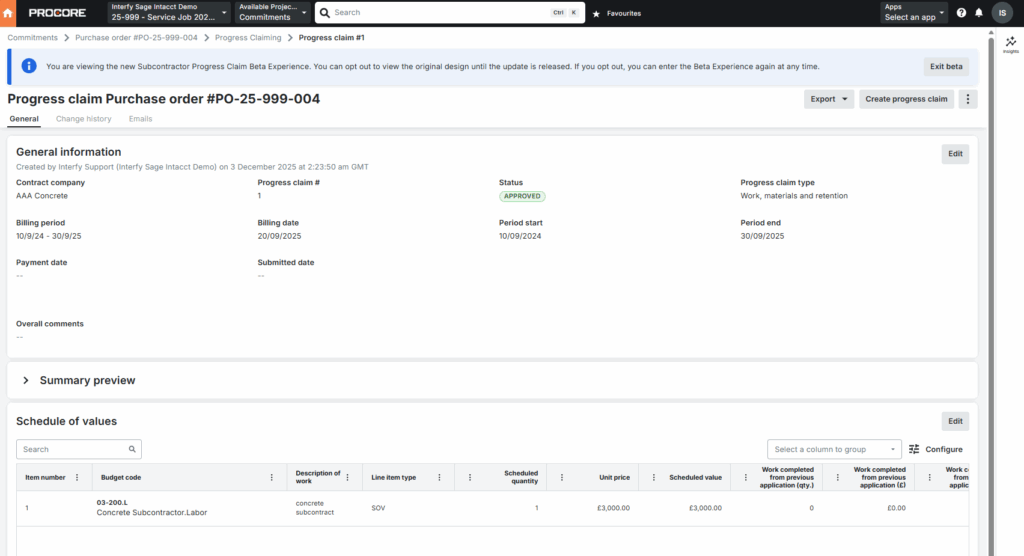
Suppose that I have a Commitment Claim that I no longer needed, but it is already in approved state.
Also, the associated Purchasing Invoice is created and linked to a Purchase Order in Sage Intacct.
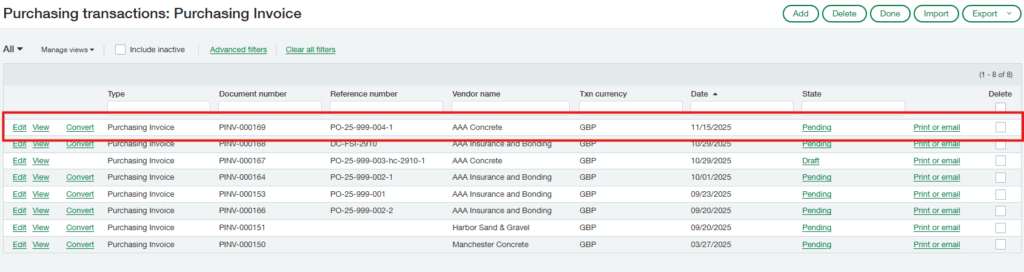
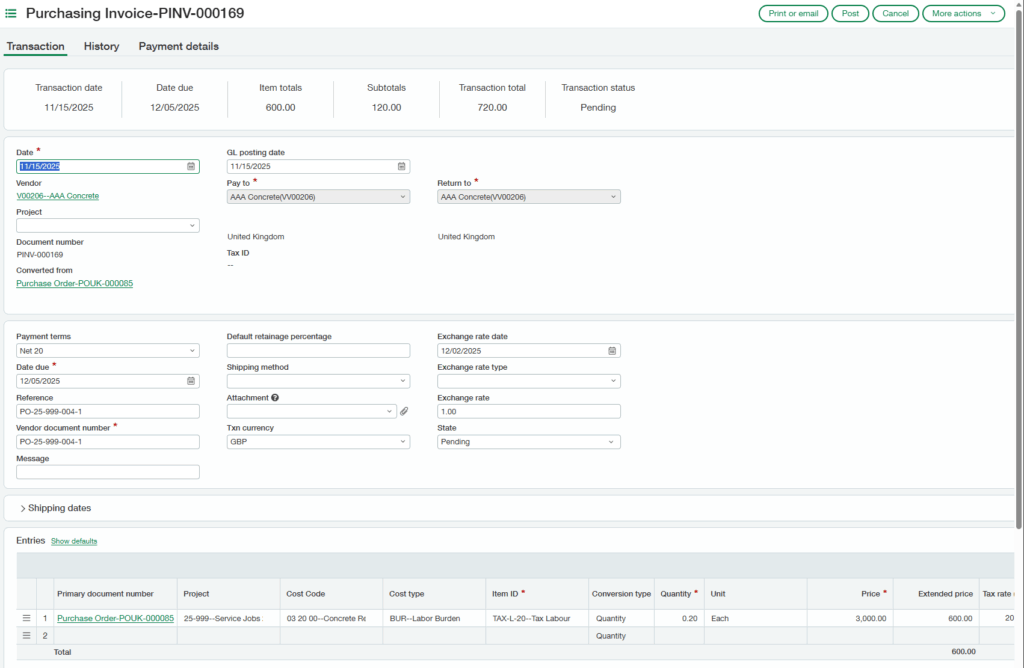
Steps:
Deleting an Approved Commitment Claim without Payments in QuickBooks
1) Go to Procore and locate the corresponding commitment claim. Delete the commitment claim.
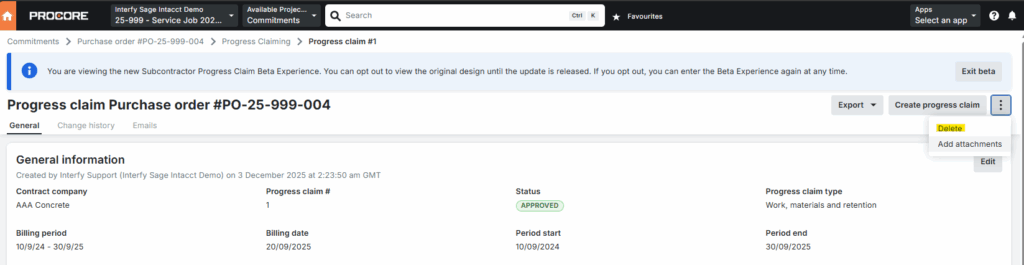
2) OneCore will automatically delete the linked Purchasing transaction and bill in Sage Intacct.
