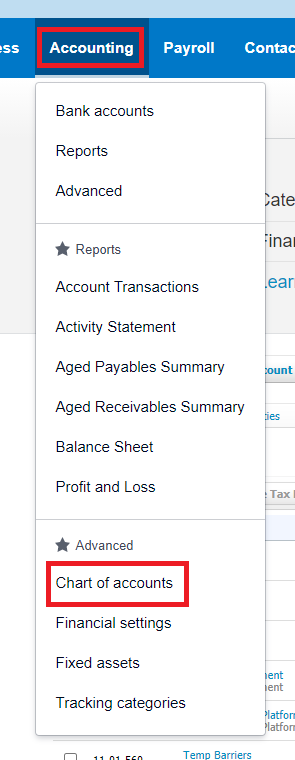
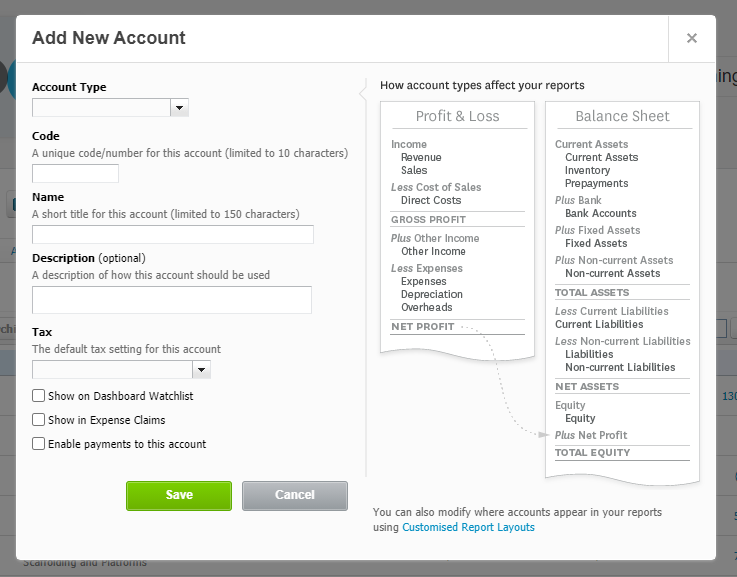
1. In Xero, create a liability account for expense retention, and an asset account for revenue retention. To do this, go to Accounting → Chart of accounts → Add Account → Fill in details → Save.
2. On your OneCore dashboard, navigate to Standard Cost Codes → General Settings → Refresh Standard Cost Codes and Accounts, refresh your accounts.
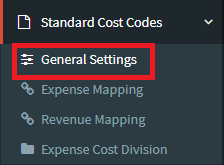
3. Next, go to Retention → General Settings.
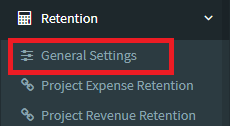
4. Assign an asset and liability account.

5. Set the retention type for both expense and revenue are set to Line Item Retention Type. Save Changes.

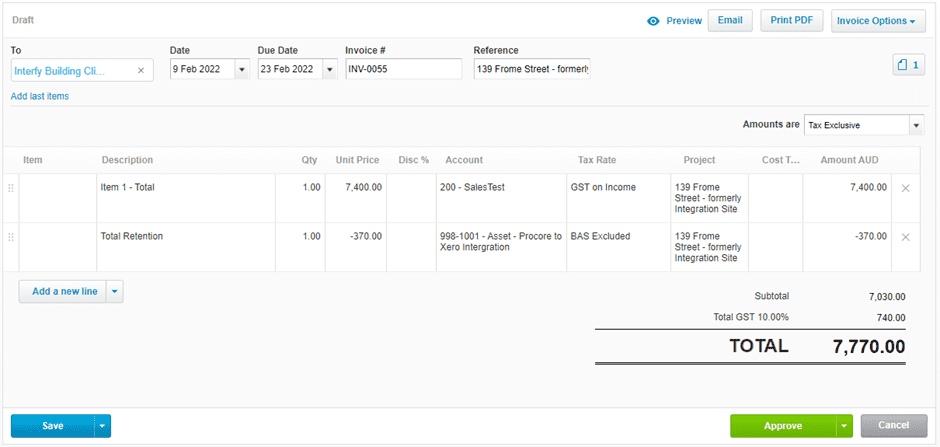
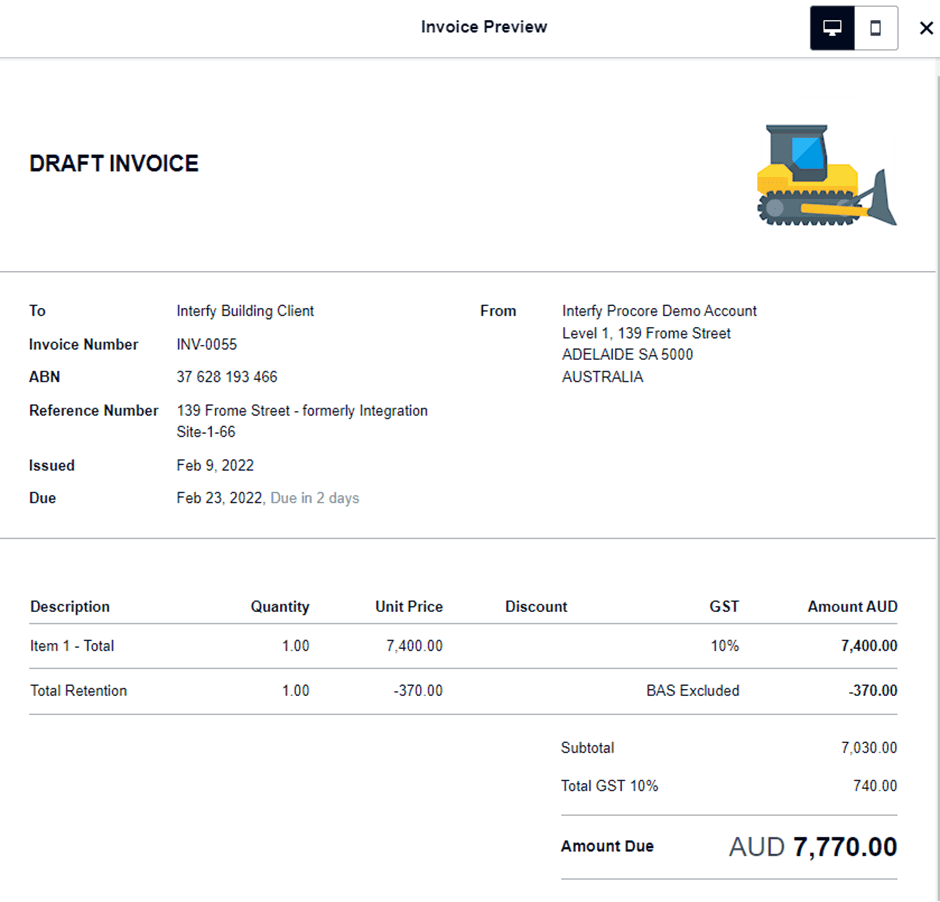
6. Retention can be shown as a separate line item on the invoices/bills in Xero. The retention amount can be shown under each line item or consolidated.

Retention as Separate Line Item

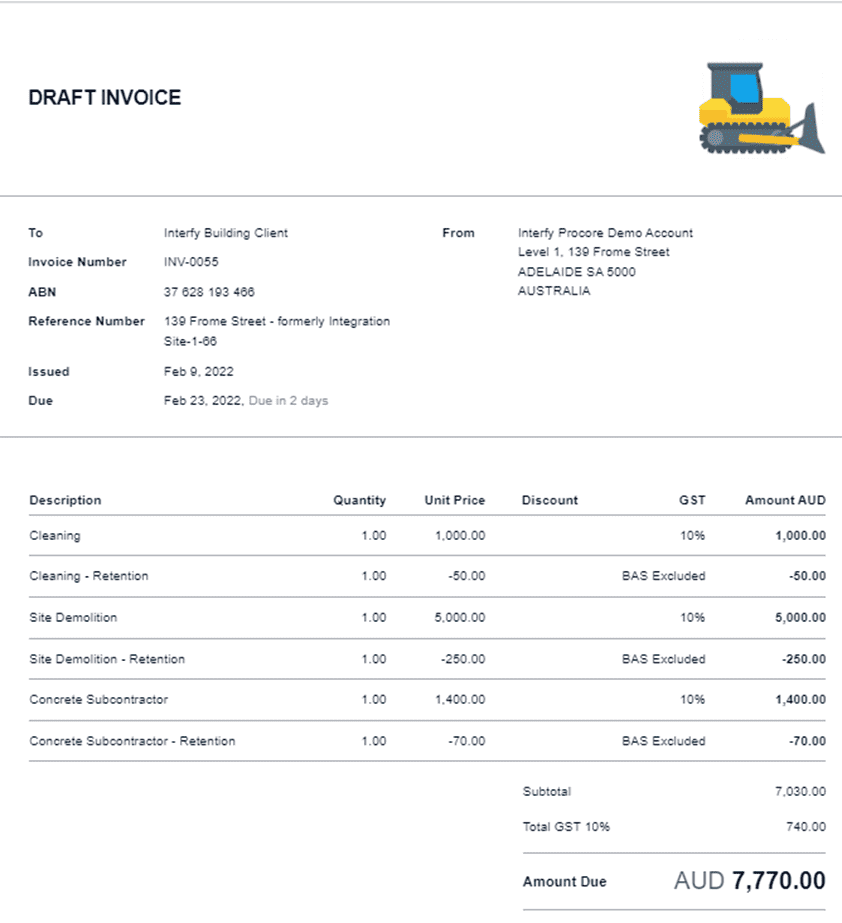
Retention – Consolidated Line Item