
1. Create the cost type in Procore and Odoo.
2. From OneCore, go to Cost Types > General Settings.
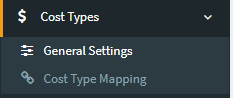
3. Click Refresh Cost Types.
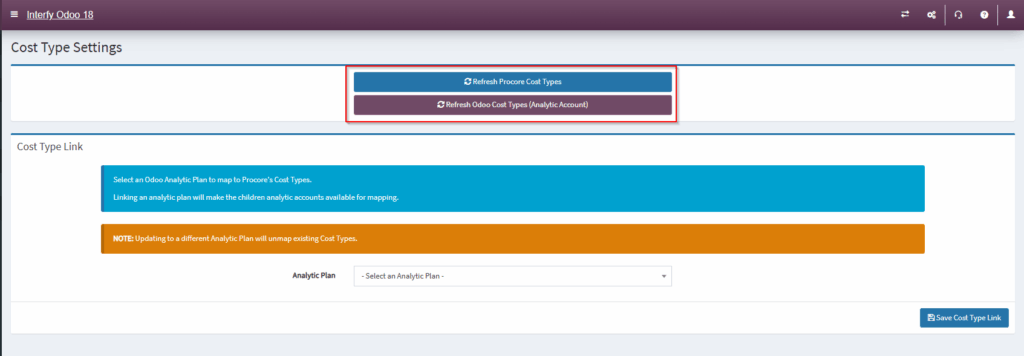
4. Navigate to Cost Type Mapping.

5. Click on the pencil icon next to the cost type

6. Establish mapping by selecting the analytic account from Odoo accordingly
