Overview
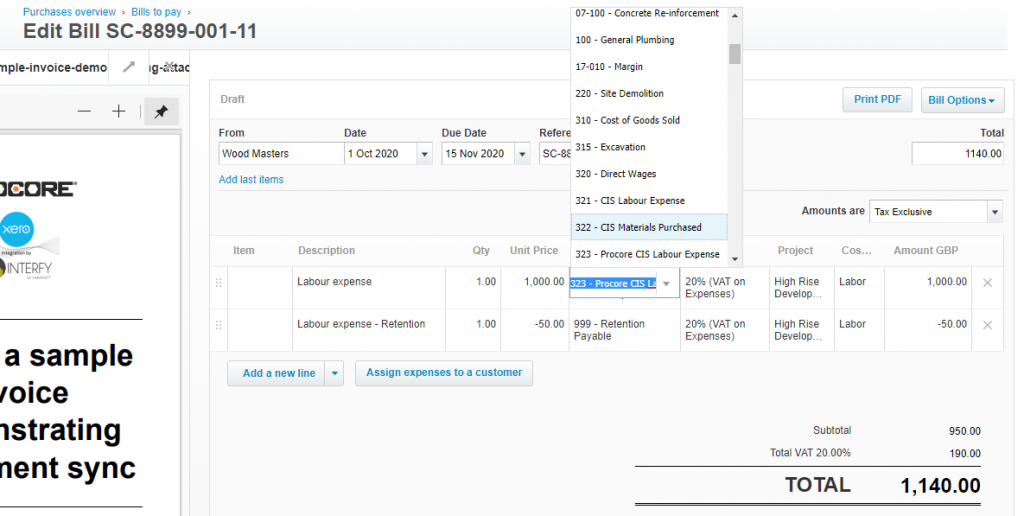
When the Construction Industry Standard (CIS) plugin is activated. The CIS accounts (labour/materials) that Xero creates are system accounts. There is a limitation set in place by Xero that does now allow invoices / bills to be created with line items containing system accounts.

Step by Step Instructions
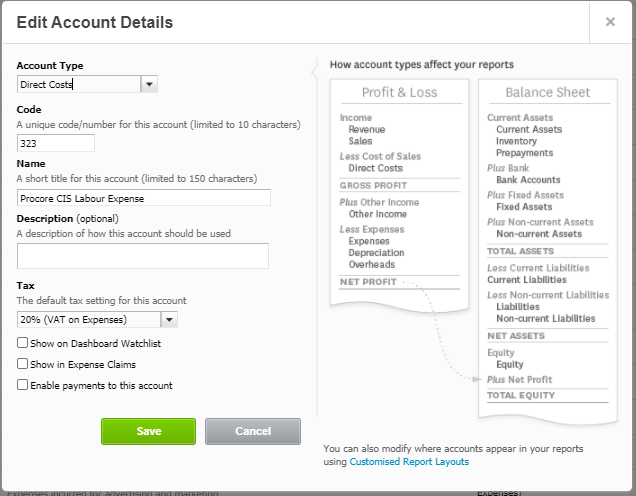
1. In Xero create an “Procore CIS” variant of the desired Direct Cost (which will be mapped to a Procore cost code). In this example we are creating a variant for our Labour Expenses.
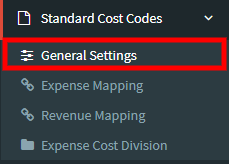
2. In OneCore, select Standard Cost Codes -> General Settings
3. Select the refresh button shown.

4. Now navigate to Standard Cost Codes-> Expense Mapping
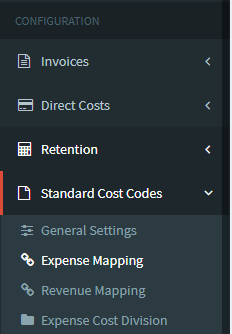
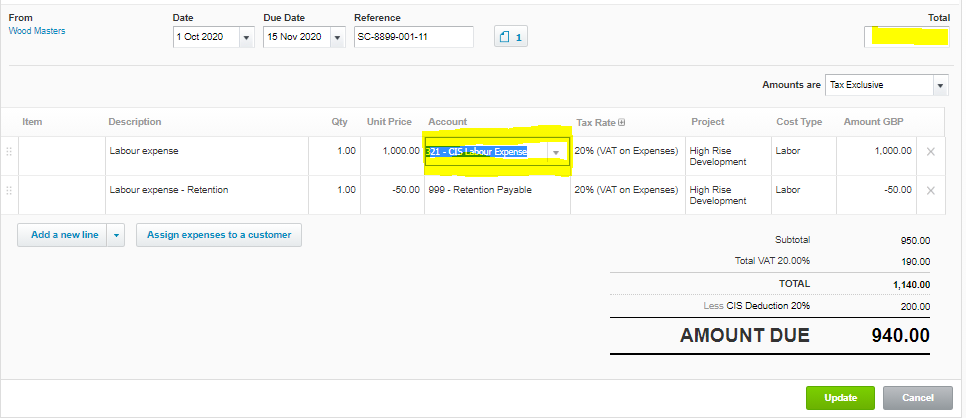
5. Go to Standard Cost Codes -> Expense Mapping. Click on the unmapped standard cost codes. Manually map those to the correct Procore accounts.
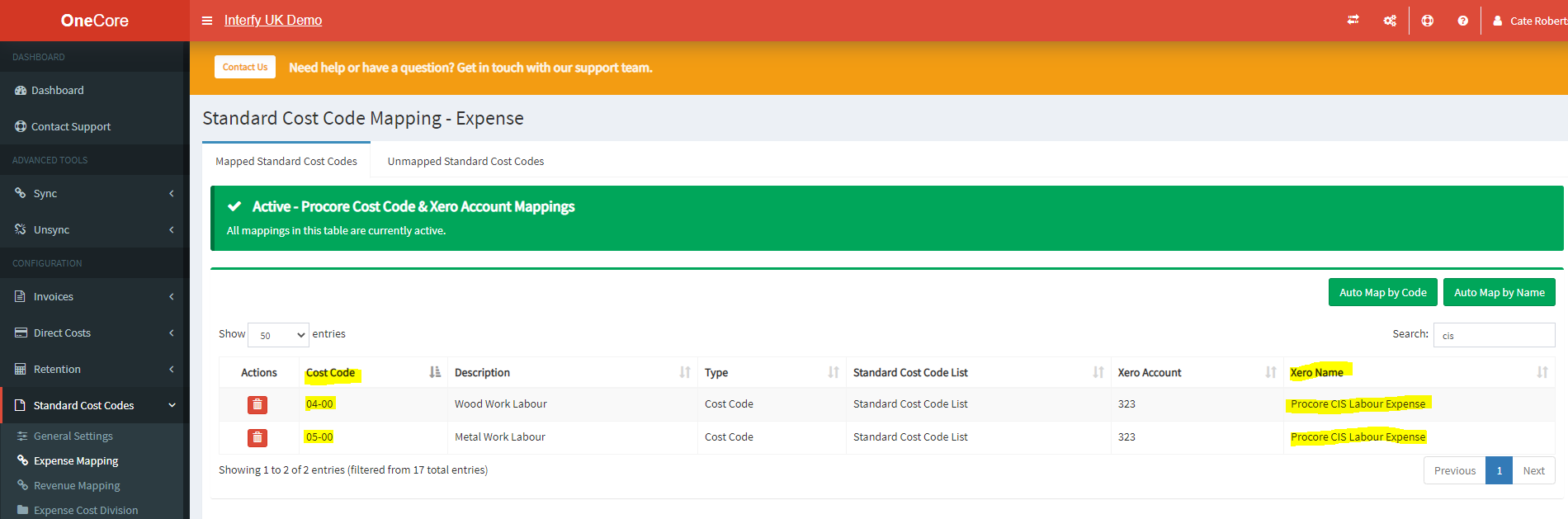
6. This allows generation of bills into Xero.
7. There is an additional step to ensure the line items containing the account “CIS – Procore” are changed to the Xero CIS system account at the time of approving the bill and delete the total cost from the top right.