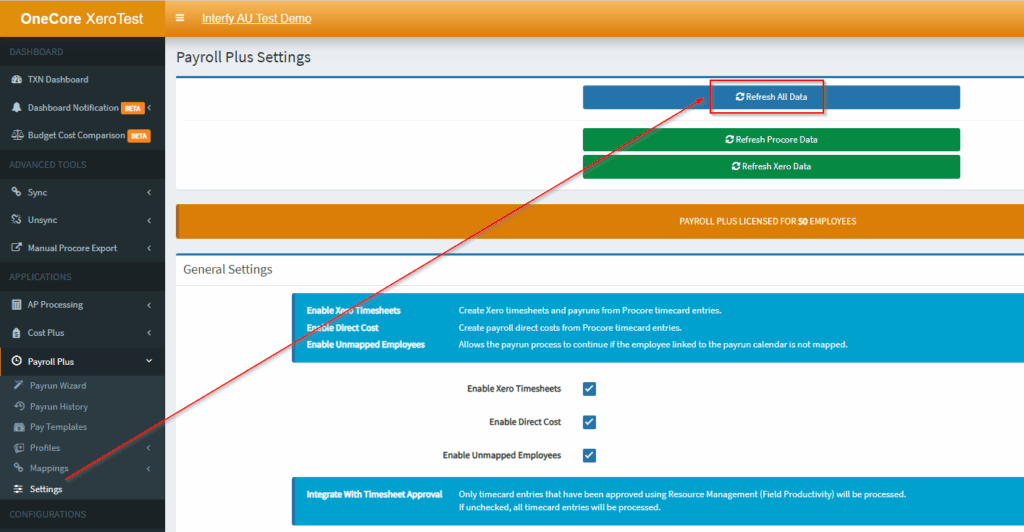
1. From OneCore Portal, go to Settings.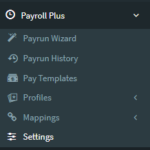
2. Click Refresh All Data.
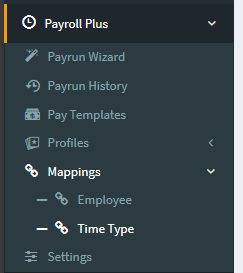
3. Navigate to Mappings > Time Type.
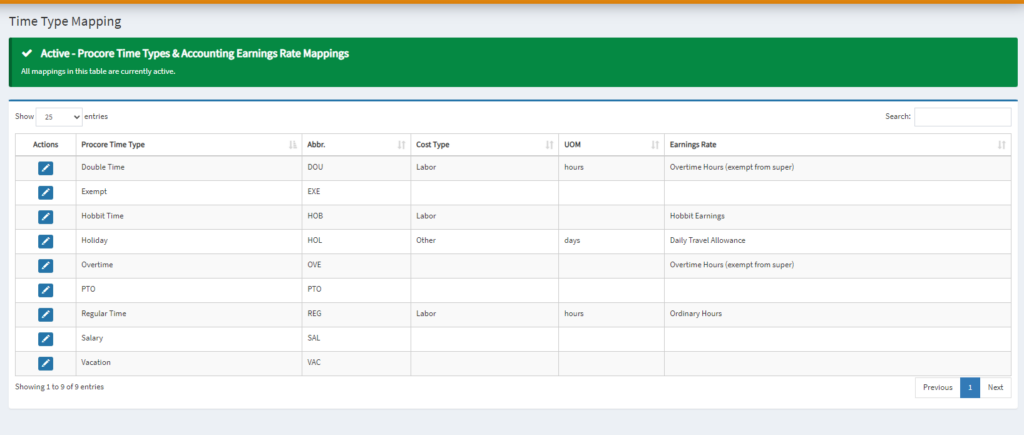
4. Click on the pencil icon in the Time Type Mapping table
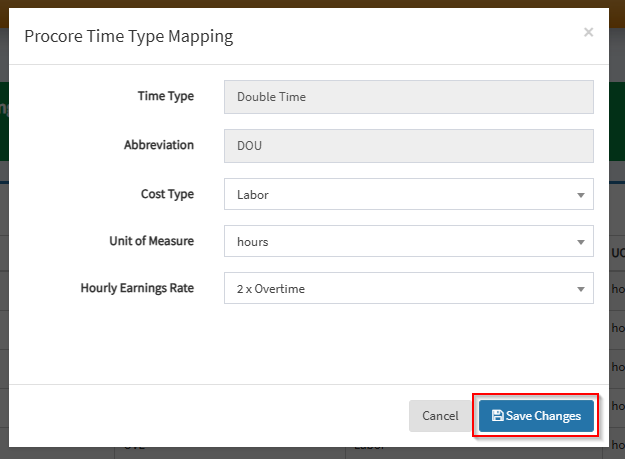
5. Establish mapping by selecting the Cost Type, Unit of Measure, and Hourly Earnings Rate in the form accordingly
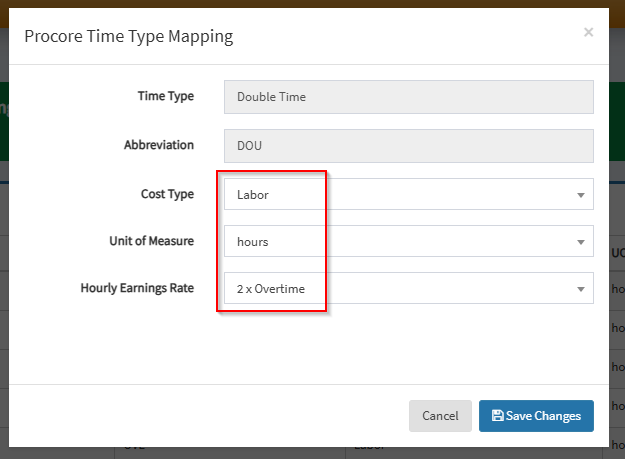
6. Hit Save Changes